
Number 1:  WebCatalog
Turn websites into desktop apps, manage multiple accounts, and organize everything into spaces
- Mac & desktop utilities
- United States
- DR 60 −1 (down) since last check
Mac & desktop utilities
Mac menu bar manager to hide icons and organize your macOS menu bar
Ahrefs Domain Rating benchmarked 25 Oct 2026, rebuilt 25 Oct 2026.
| Metric | Value |
|---|---|
| Domain Rating | 10 no change since last check |
| Trust Flow | 4 no change since last check |
| Citation Flow | 22 no change since last check |
| Referring domains | 15 no change since last check |
| External backlinks | 101 no change since last check |
Ahrefs Domain Rating benchmarked 25 Oct 2026, rebuilt 25 Oct 2026. Main build topic: Computers/Internet/Searching (4). Majestic benchmarked 25 Oct 2026, rebuilt 25 Oct 2026. Link data built by Majestic. Trust Flow, Citation Flow and Topical Trust Flow are trademarks of Majestic-12 Ltd.
| Domain age | 6 months |
|---|---|
| Registered | |
| Expires | |
| Registrar | Cloudflare, Inc. |
| DNSSEC | Not signed |
Tuck is a macOS utility that hides menu bar icon clutter and organizes icons using Push and Shelf modes, with zero telemetry and lifetime free updates.
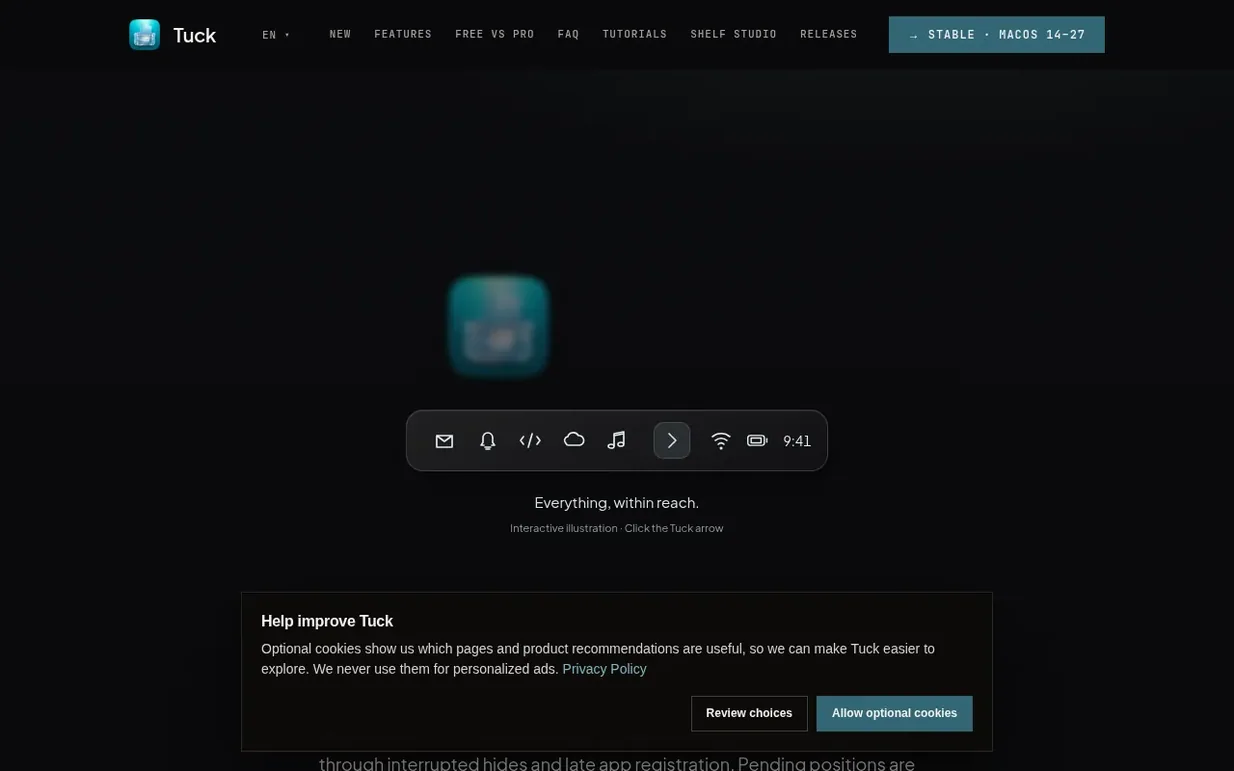
Tuck is a native macOS menu bar manager that lets you hide icon clutter and organize your menu bar with one click. It offers two main modes: Push Mode hides all icons to the left with a single click, while Shelf Mode displays hidden icons in a panel below the menu bar on notched MacBooks. The app includes per-icon control to pin items visible, keep them hidden, or follow the main toggle. Tuck supports macOS 14 through macOS 27 and comes with zero telemetry and no analytics tracking. The Free version includes Push and Shelf modes plus basic controls, while Tuck Pro adds automation features like auto-hide, hover reveal, Rules Mode for app-specific visibility, and advanced Shelf customization. Pro is a one-time $14.99 USD purchase with no subscription and lifetime updates included.
Pricing model: Freemium
Free: includes Push Mode, Shelf Mode, per-icon control, global keyboard shortcut, and launch at login with no time limit. Pro: $14.99 USD one-time purchase with no subscription, includes auto-hide, hover reveal, Rules Mode, advanced Shelf styles, custom ordering, and lifetime updates.
Nobody has put Tuck on the bench yet. Leave the first review.
Reviewing is free, and nobody can pay for a review. Read the bench notes
Maker reviews · Workshop notes · Show it off · Did you make this? Claim it · Report this build
Tuck has a free listing. The owner can unlock the full profile with a paid launch for $5:
WebCatalogTurn websites into desktop apps, manage multiple accounts, and organize everything into spaces
 Swyvo
SwyvoYour essential apps, one hotkey away
 FileNav
Mac File Manager Like Windows Explorer
Mind if we set one analytics cookie, to see which builds get read? It stays off unless you say yes. Privacy