
Number 1:  FileNav
Mac File Manager Like Windows Explorer
- Mac & desktop utilities
- Indonesia
- DR 1 no change since last check
Mac & desktop utilities
Your essential apps, one hotkey away
Domain Rating by Ahrefs, checked 6 Oct 2026, changed 6 Oct 2026.
| Metric | Value |
|---|---|
| Domain Rating | 0 no change since last check |
| Trust Flow | 0 no change since last check |
| Citation Flow | 13 no change since last check |
| Referring domains | 7 no change since last check |
| External backlinks | 14 no change since last check |
Domain Rating by Ahrefs checked 6 Oct 2026, changed 6 Oct 2026. Majestic checked 6 Oct 2026, changed 6 Oct 2026. Link data by Majestic. Trust Flow, Citation Flow and Topical Trust Flow are trademarks of Majestic-12 Ltd.
A Windows utility that runs in the background and lets you instantly access your essential apps and websites with a single hotkey, without breaking your workflow.
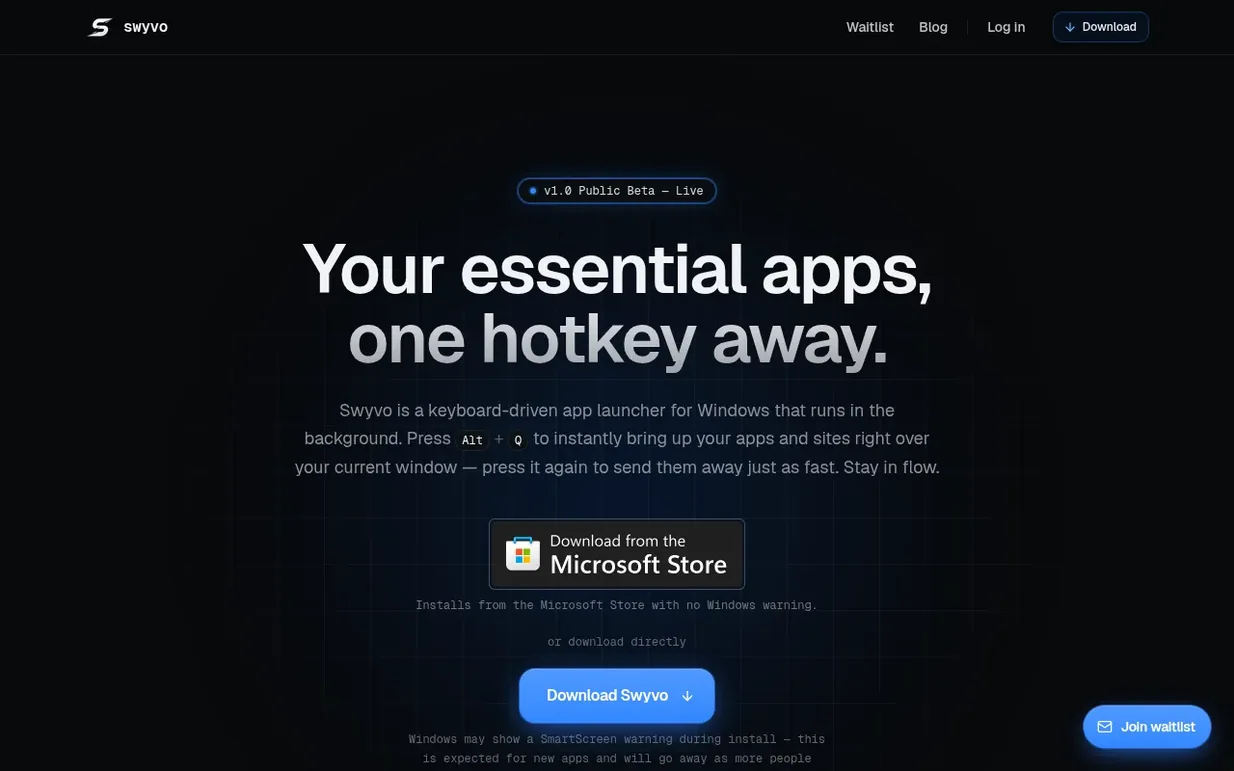
Swyvo is a keyboard-driven app launcher for Windows that runs in the background. Press Alt+Q to instantly bring up your apps and sites right over your current window, then dismiss them just as fast to stay in flow. It combines your favorite URLs and native Windows applications into one fast-switching menu, letting you access critical tools without digging through open windows or the taskbar.
The app is fully keyboard-driven, with every feature—launching, switching, managing workspaces, and navigating menus—accessible entirely from the keyboard. Swyvo uses Adaptive Loadouts to automatically adjust your workspace based on what you're working on. Its native architecture means web tools share one WebView2 engine while native apps stay loaded off-screen for instant switching with no reload or white flash.
Pricing model: Freemium
Free: 3 active app slots, 5 saved websites, 1 adaptive loadout, no cloud sync. Pro: 10 active app slots, unlimited saved websites, unlimited adaptive loadouts, cloud sync (price not yet available).
Swyvo has a free listing. The owner can unlock the full profile with a paid launch for $5:
FileNavMac File Manager Like Windows Explorer
Mind if we set one analytics cookie, to see which builds get read? It stays off unless you say yes. Privacy