
Number 1:  Lavender
AI email coach that helps sales teams write better emails and get more replies
- AI Coding Assistants
- United States
- DR 72 +1 (up) since last check
AI Coding Assistants · India
Run Python automations on a schedule or when events arrive, controlled from your AI assistant
Ahrefs Domain Rating benchmarked 12 Nov 2026, rebuilt 12 Nov 2026.
A platform that lets AI assistants like Claude and ChatGPT build, deploy and run Python automations on schedules or webhooks, with user approval required for
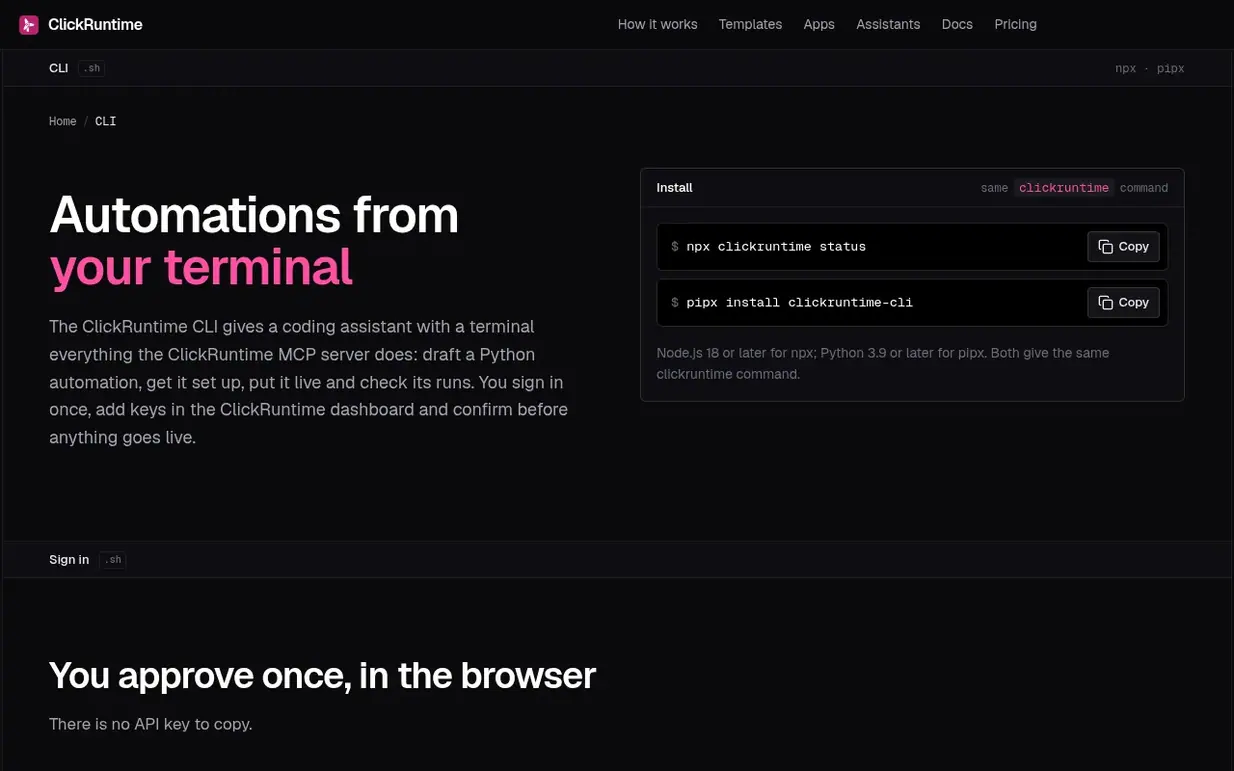
ClickRuntime connects to AI assistants including ChatGPT, Claude, Claude Code, Cursor and other MCP clients. Users describe automation tasks in chat, and the assistant writes a Python script, deploys it and tests it. ClickRuntime then runs the automation on its own servers on a schedule (from every 5 minutes to monthly) or when external services send webhook events. Users keep full control: they add API keys and connect accounts in the ClickRuntime dashboard, approve each deployment in the assistant's permission prompt, and receive email alerts if runs fail. The platform includes built-in state management between runs, email and Slack delivery, and a fast Gemini AI model that scripts can call without needing their own API key.
Pricing model: Freemium
Free: 250 runs/month, 420K input + 50K output AI tokens. Starter: $9/month or $90/year, 2,000 runs/month, 2M input + 400K output tokens. Plus: $39/month or $390/year, 7,500 runs/month, 8M input + 1.6M output tokens. Team: $99/month or $990/year, 25,000 runs/month, 20M input + 4M output tokens. Scale
Following ClickRuntime means an email when they reach a milestone, post an update or launch a new product.
| Metric | Value |
|---|---|
| Domain Rating | 0 no change since last check |
| Trust Flow | 0 no change since last check |
| Citation Flow | 0 no change since last check |
| Referring domains | 0 no change since last check |
| External backlinks | 0 no change since last check |
Ahrefs Domain Rating benchmarked 12 Nov 2026, rebuilt 12 Nov 2026. Majestic benchmarked 12 Nov 2026, rebuilt 12 Nov 2026. Link data built by Majestic. Trust Flow, Citation Flow and Topical Trust Flow are trademarks of Majestic-12 Ltd.
| Domain age | 10 months |
|---|---|
| Registered | |
| Expires | |
| Registrar | NameCheap, Inc. |
| DNSSEC | Not signed |
Plan your launch with our free playbook, from preparing your listing to choosing more launch directories.
Nobody has put ClickRuntime on the bench yet. Leave the first review.
Reviewing is free, and nobody can pay for a review. Read the bench notes
Maker reviews · Workshop notes · Show it off · Did you make this? Claim it · Report this build
ClickRuntime has a free listing. The owner can unlock the full profile with a paid launch for $5:
LavenderAI email coach that helps sales teams write better emails and get more replies
 OxCode
Stop fixing what your AI just wrote.
 HarnessUp
Up to 3x more work with the same tokens on Claude Code and Codex
 Mira
Open-source AI code review for pull requests