
Number 1:  NotePebble
Sticky notes on the edge of your Windows screen
- Productivity & Personal Tools
- DR 0 no change since last check
Productivity & Personal Tools
Mac automation in a few clicks
Ahrefs Domain Rating benchmarked 26 Oct 2026, rebuilt 26 Oct 2026.
| Metric | Value |
|---|---|
| Domain Rating | 4 no change since last check |
| Trust Flow | 0 no change since last check |
| Citation Flow | 28 no change since last check |
| Referring domains | 4 no change since last check |
| External backlinks | 61 no change since last check |
Ahrefs Domain Rating benchmarked 26 Oct 2026, rebuilt 26 Oct 2026. Majestic benchmarked 26 Oct 2026, rebuilt 26 Oct 2026. Link data built by Majestic. Trust Flow, Citation Flow and Topical Trust Flow are trademarks of Majestic-12 Ltd.
| Domain age | 21 years |
|---|---|
| Registered | |
| Expires | |
| Registrar | Atom.com Domains LLC |
| DNSSEC | Not signed |
An automation app for macOS that turns repetitive tasks into keyboard and voice commands scoped to the app or website you're in, running on-device and offline.
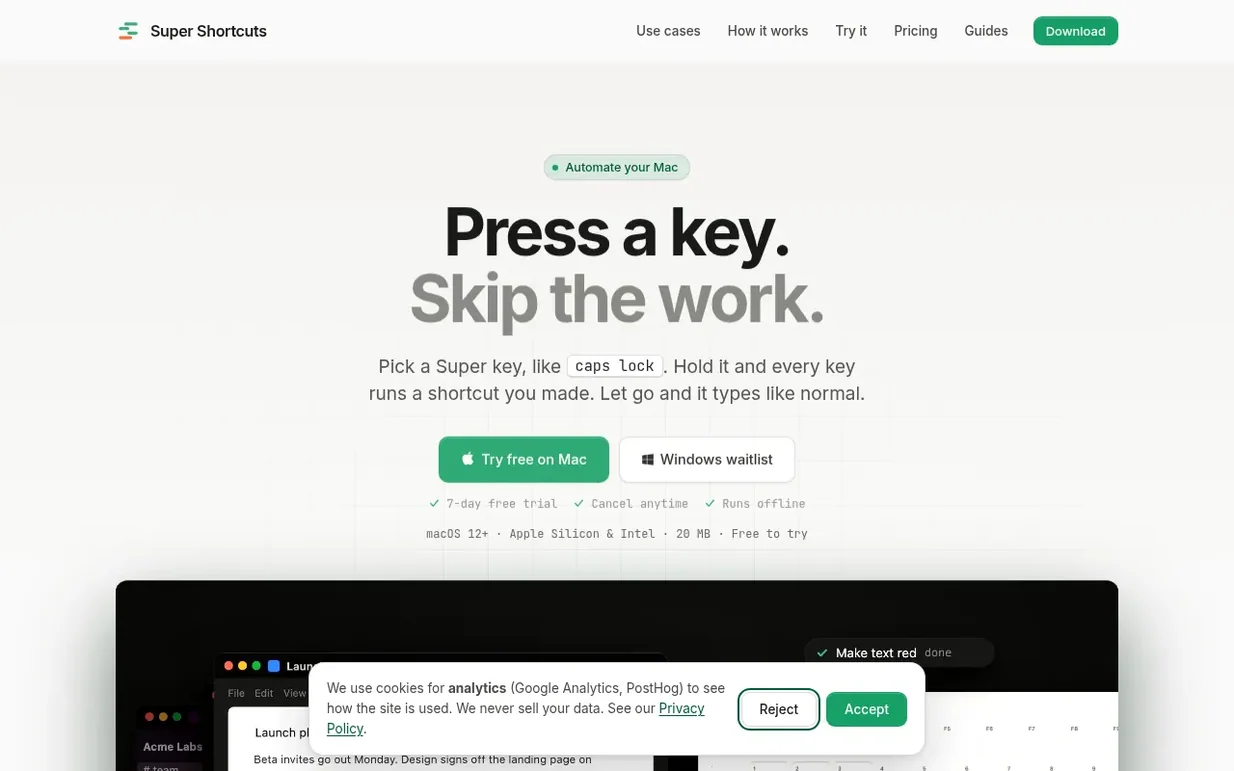
Super Shortcuts lets you automate repetitive tasks on your Mac by turning them into keyboard or voice commands. Hold your chosen Super key (like Caps Lock) and tap a letter to run shortcuts you create, scoped to specific apps and websites. Set up a shortcut once by showing the app the steps you want to repeat—like opening an app, clicking a menu, typing text, or pressing keys—and then run it instantly with a keystroke or voice command. The shortcuts run on your Mac with no internet connection needed, and you can see how much time you're saving with built-in time tracking. The app includes starter templates, context-aware shortcuts that work differently in each app, and optional voice control and sync across your Macs with Pro.
Pricing model: Freemium
Free tier with up to 20 shortcuts. Pro: $12 per month or $100 per year (annual saves 30%), plus tax where applicable. 7-day free trial with card required.
Nobody has put Super Shortcuts on the bench yet. Leave the first review.
Reviewing is free, and nobody can pay for a review. Read the bench notes
Maker reviews · Workshop notes · Show it off · Did you make this? Claim it · Report this build
Super Shortcuts has a free listing. The owner can unlock the full profile with a paid launch for $5:
NotePebbleSticky notes on the edge of your Windows screen
 shepetal
Press one key, your words appear wherever you speak
 Notif
NotifAI reminders app that adds insights and action buttons to your notes
 DopaLoop
Goals-first habit tracker for iPhone & Apple Watch, built for ADHD with no streak shaming and privacy-first design
Mind if we set one analytics cookie, to see which builds get read? It stays off unless you say yes. Privacy