
Number 1:  URL to Markdown
Convert any website to clean markdown format with images
- File converters
- DR 6 no change since last check
File converters · Pakistan
Free browser-based image tools that process entirely on your device
Ahrefs Domain Rating benchmarked 25 Oct 2026, rebuilt 25 Oct 2026.
| Metric | Value |
|---|---|
| Domain Rating | 29 no change since last check |
| Trust Flow | 8 no change since last check |
| Citation Flow | 33 no change since last check |
| Referring domains | 121 no change since last check |
| External backlinks | 1,338 no change since last check |
Ahrefs Domain Rating benchmarked 25 Oct 2026, rebuilt 25 Oct 2026. Main build topic: Computers/Internet/On the Web (7). Majestic benchmarked 25 Oct 2026, rebuilt 25 Oct 2026. Link data built by Majestic. Trust Flow, Citation Flow and Topical Trust Flow are trademarks of Majestic-12 Ltd.
| Domain age | 3 months |
|---|---|
| Registered | |
| Expires | |
| Registrar | HOSTINGER operations, UAB |
| DNSSEC | Not signed |
Free online image converter for JPG, PNG, WebP and AVIF that runs entirely in your browser with no file size limits and no uploads.
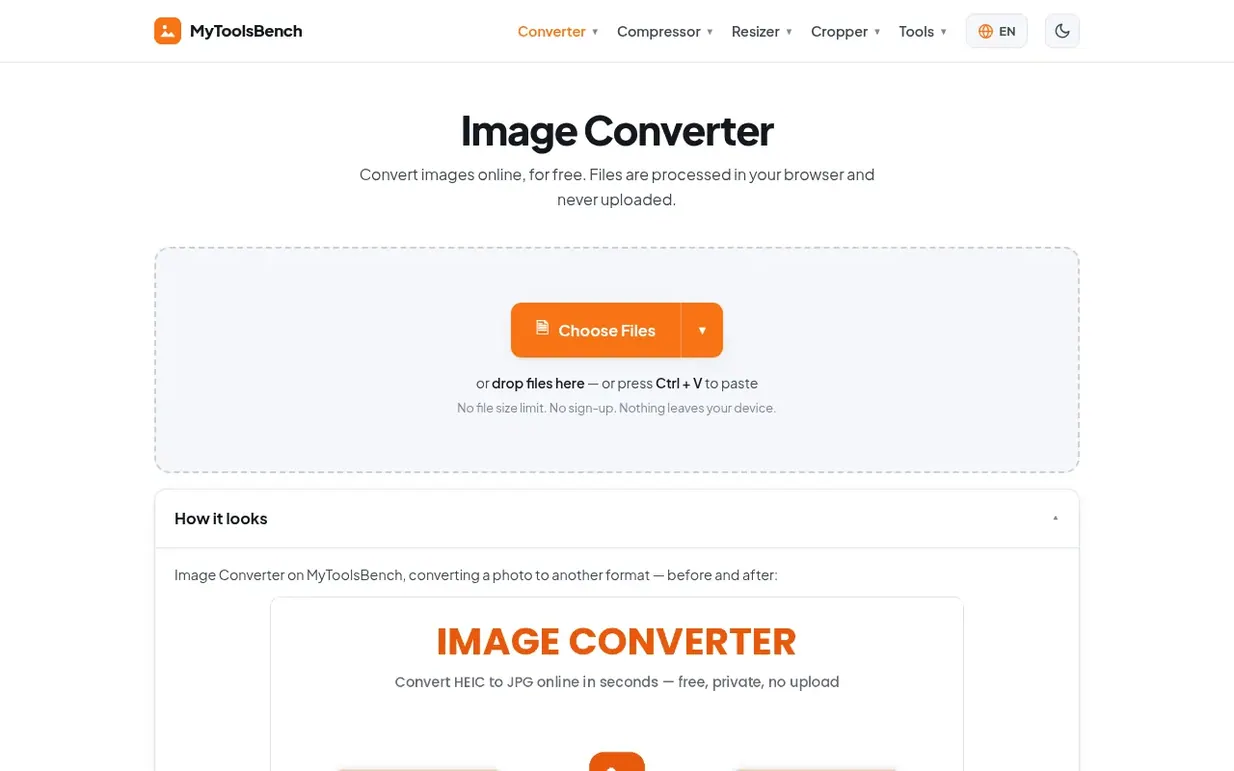
MyToolsBench is a free collection of browser-based image tools for converting, compressing, resizing and editing images. All processing happens inside your browser using the Canvas API, so files never leave your device or get uploaded to a server. The image converter supports JPG, PNG, WebP, AVIF, GIF, BMP, TIFF, ICO, HEIC and PDF formats with per-file quality control and resizing options. Additional tools include an image compressor for hitting exact file size targets, a resizer with ready-made presets for social media platforms and common dimensions, a cropper with circle crop options, and utilities for removing backgrounds, adding watermarks, rotating images, extracting EXIF data and creating Instagram grids. Several tools are available in multiple languages including Spanish, French, Portuguese, Russian, Japanese, Chinese, Indonesian and Vietnamese.
Pricing model: Free
Nobody has put MyToolsBench on the bench yet. Leave the first review.
Reviewing is free, and nobody can pay for a review. Read the bench notes
Maker reviews · Workshop notes · Show it off · Did you make this? Claim it · Report this build
MyToolsBench has a free listing. The owner can unlock the full profile with a paid launch for $5:
URL to MarkdownConvert any website to clean markdown format with images
 TwitterDown
Download public Twitter/X videos as MP4
 Image to URL
Convert images to direct URLs for sharing and embedding
 notebookconvert.com
Convert Jupyter Notebook files to PDF, HTML, or Python directly in your browser
Mind if we set one analytics cookie, to see which builds get read? It stays off unless you say yes. Privacy