
Number 1:  Notif
Notif
AI reminders app that adds insights and action buttons to your notes
- Productivity & Personal Tools
- DR 1 no change since last check
Productivity & Personal Tools · Romania
AI-powered text expander for Windows, Mac & Linux with voice and AI rewrites
Ahrefs Domain Rating benchmarked 25 Oct 2026, rebuilt 24 Oct 2026.
| Metric | Value |
|---|---|
| Domain Rating | 38 −12 (down) since last check |
| Trust Flow | 24 no change since last check |
| Citation Flow | 44 no change since last check |
| Referring domains | 217 no change since last check |
| External backlinks | 600 no change since last check |
Ahrefs Domain Rating benchmarked 25 Oct 2026, rebuilt 24 Oct 2026. Main build topic: Computers/Software/Directories (24). Majestic benchmarked 5 Oct 2026, rebuilt 5 Oct 2026. Link data built by Majestic. Trust Flow, Citation Flow and Topical Trust Flow are trademarks of Majestic-12 Ltd.
| Domain age | 5 years |
|---|---|
| Registered | |
| Expires | |
| Registrar | GoDaddy.com, LLC |
| DNSSEC | Not signed |
Desktop text expander that auto-expands keyboard shortcuts into full messages, with built-in AI rewrite commands and push-to-talk voice typing across Windows, macOS, and Linux.
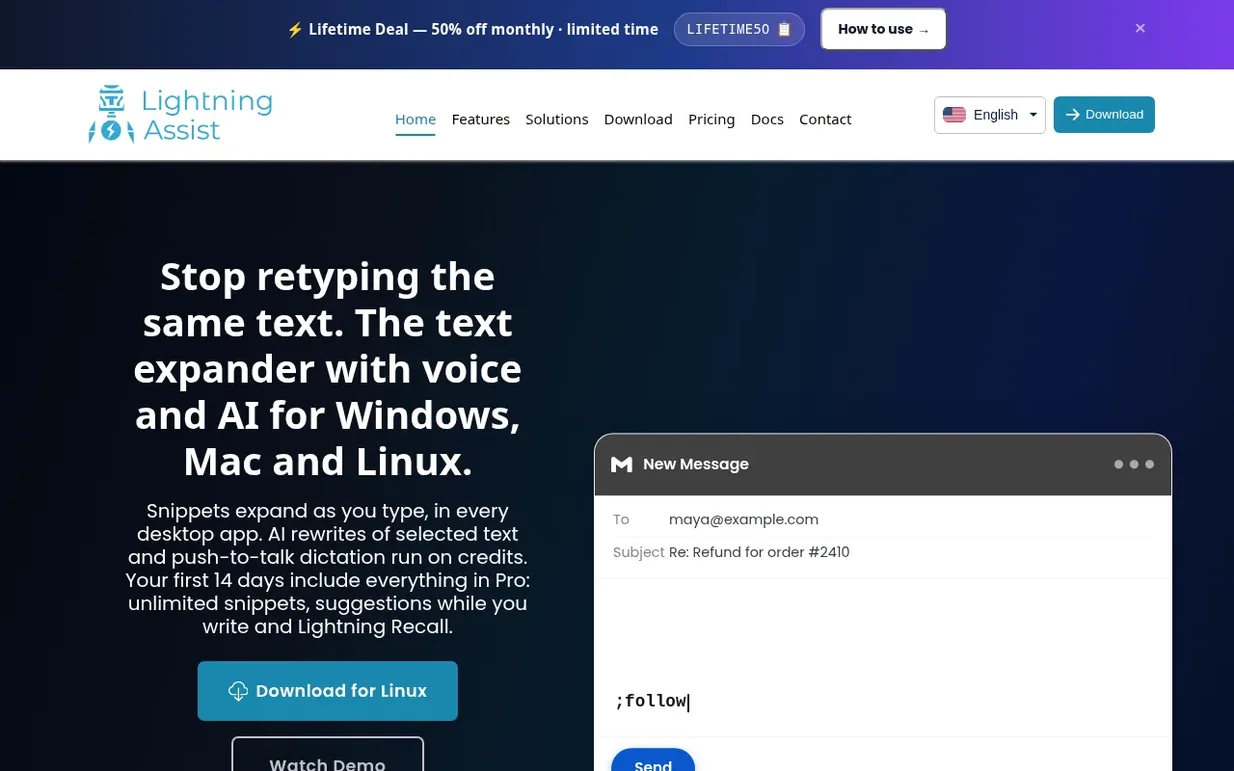
Lightning Assist is a native desktop text expander for Windows, macOS, and Linux that automatically expands keyboard shortcuts into full snippets as you type in any application. The tool works in email clients, code editors, terminals, Slack, and other desktop apps without requiring browser tabs or copy-pasting. Beyond text expansion, it includes built-in AI commands for rewriting and summarizing text, push-to-talk voice-to-text dictation, and team snippet sharing capabilities. Your keystrokes remain on your device, and snippets sync encrypted across your computers.
Pricing model: Freemium
Free: up to 20 snippets, unlimited text expansion. Pro: $5.99/month (or $2.99/month with LIFETIME50 code) for unlimited snippets, suggestions as you type, and Lightning Recall. Includes 1000 AI Credits and 1000 Speech Credits monthly on Pro.
Nobody has put Lightning Assist on the bench yet. Leave the first review.
Reviewing is free, and nobody can pay for a review. Read the bench notes
Maker reviews · Workshop notes · Show it off · Did you make this? Claim it · Report this build
Lightning Assist has a free listing. The owner can unlock the full profile with a paid launch for $5:
NotifAI reminders app that adds insights and action buttons to your notes
 DopaLoop
Goals-first habit tracker for iPhone & Apple Watch, built for ADHD with no streak shaming and privacy-first design
Free inventory and profit tracker for resellers who source in person at car boots, charity shops and flea markets
 FreeQrly
Free QR code generator that runs entirely in your browser
Mind if we set one analytics cookie, to see which builds get read? It stays off unless you say yes. Privacy