
Number 1:  JSKAPPS
Small, sharp software tools that each do one job well
- Browser Extensions & Plugins
- India
- DR 51 no change since last check
Browser Extensions & Plugins
Fast, simple Chrome extension for screen recording and screenshots
Ahrefs Domain Rating benchmarked 25 Oct 2026, rebuilt 25 Oct 2026.
| Metric | Value |
|---|---|
| Domain Rating | 21 no change since last check |
| Trust Flow | 4 no change since last check |
| Citation Flow | 19 no change since last check |
| Referring domains | 21 no change since last check |
| External backlinks | 72 no change since last check |
Ahrefs Domain Rating benchmarked 25 Oct 2026, rebuilt 25 Oct 2026. Main build topic: Computers/Software/Operating Systems (3). Majestic benchmarked 25 Oct 2026, rebuilt 25 Oct 2026. Link data built by Majestic. Trust Flow, Citation Flow and Topical Trust Flow are trademarks of Majestic-12 Ltd.
| Domain age | 6 months |
|---|---|
| Registered | |
| Expires | |
| Registrar | GoDaddy.com, LLC |
| DNSSEC | Not signed |
Chrome extension to record your screen, capture screenshots, and share videos with one click. Free to use with premium plans available.
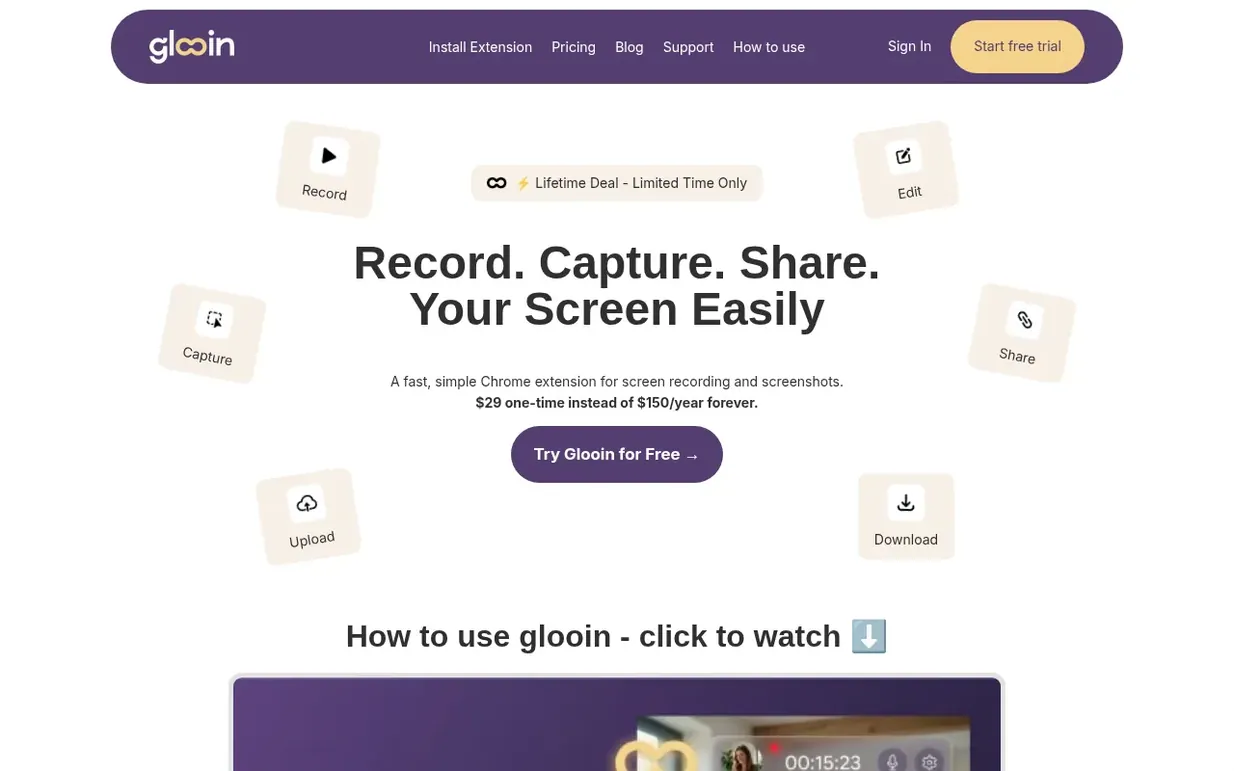
Glooin is a Chrome extension that lets you record your screen, capture screenshots, and share them instantly. It's designed for creating tutorials, giving feedback, reporting bugs, or communicating visually with teams. The tool includes built-in editing features like trimming, annotations, and blur tools to protect sensitive information. You can share recordings via instant links without requiring recipients to have an account, and all content is saved to your personal dashboard for organization and management.
Pricing model: Freemium
Free plan with 10 videos and 3-minute recording limit. Paid plans are one-time payments: Starter Lifetime ($29), Pro Lifetime ($59), Power ($99). Free plan includes 1 GB storage and 25 screenshots. Starter includes 25 GB storage, 10-minute max recording, unlimited videos and screenshots. Pro include
Nobody has put Glooin on the bench yet. Leave the first review.
Reviewing is free, and nobody can pay for a review. Read the bench notes
Maker reviews · Workshop notes · Show it off · Did you make this? Claim it · Report this build
Glooin has a free listing. The owner can unlock the full profile with a paid launch for $5:
JSKAPPSSmall, sharp software tools that each do one job well
 Kaption AI
WhatsApp voice messages to text with AI
 AutoKeyWorder
AI reads your images and fills in titles, keywords, and categories across creator platforms
 Honey
HoneyAutomatic coupons and deals at 30,000+ stores
Mind if we set one analytics cookie, to see which builds get read? It stays off unless you say yes. Privacy