Number 1:  URL to Markdown
Convert any website to clean markdown format with images
- File converters
- DR 6 no change since last check
File converters · Netherlands
Convert PDF bank statements to Excel or CSV securely
Ahrefs Domain Rating benchmarked 25 Oct 2026, rebuilt 25 Oct 2026.
| Metric | Value |
|---|---|
| Domain Rating | 6 no change since last check |
| Trust Flow | 3 no change since last check |
| Citation Flow | 23 no change since last check |
| Referring domains | 13 no change since last check |
| External backlinks | 67 no change since last check |
Ahrefs Domain Rating benchmarked 25 Oct 2026, rebuilt 25 Oct 2026. Main build topic: Computers/Software/Operating Systems (3). Majestic benchmarked 25 Oct 2026, rebuilt 25 Oct 2026. Link data built by Majestic. Trust Flow, Citation Flow and Topical Trust Flow are trademarks of Majestic-12 Ltd.
| Domain age | 8 months |
|---|---|
| Registered | |
| Expires | |
| Registrar | GoDaddy.com, LLC |
| DNSSEC | Not signed |
A tool that converts PDF bank statements from over 1000 banks into Excel or CSV format. Processes files securely on EU servers with GDPR compliance.
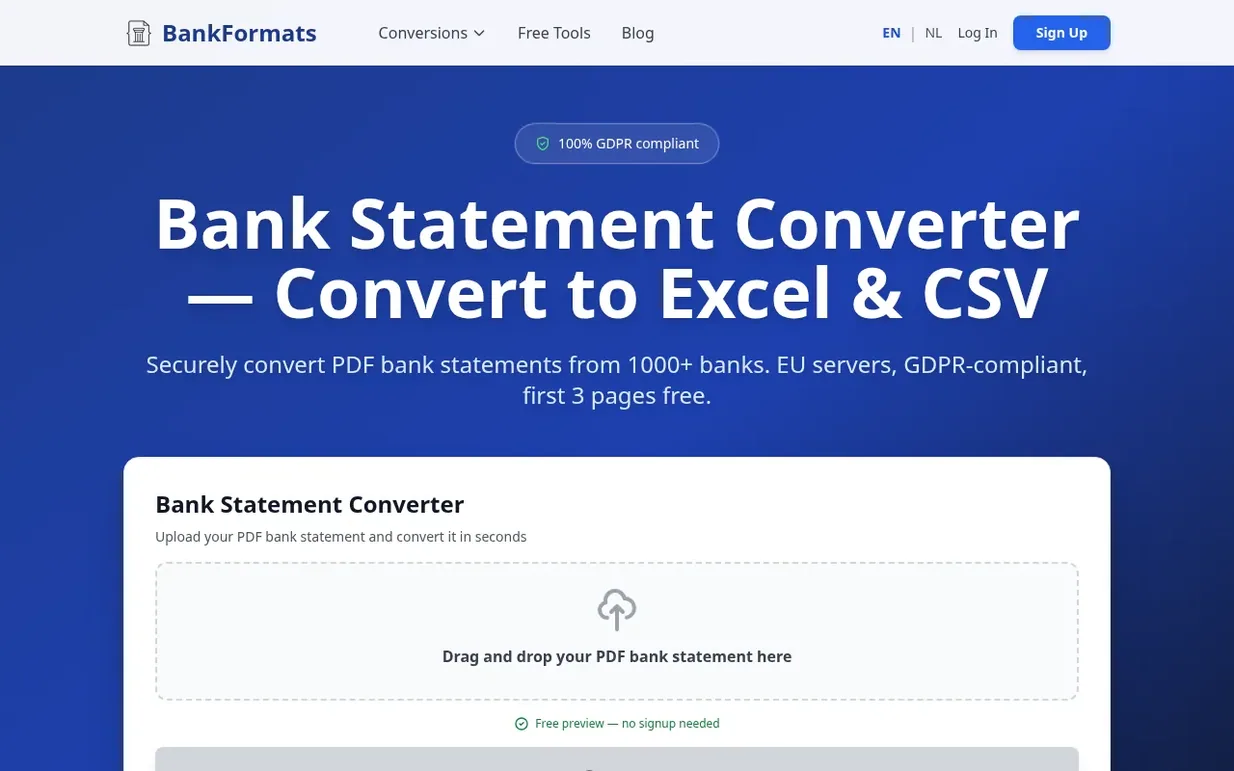
BankFormats is a bank statement converter that transforms PDF bank statements into structured spreadsheets in Excel (.xlsx) or CSV format. The tool automatically reads and extracts transaction data including date, description, debit, credit, balance, and reference information from statements issued by over 1000 banks worldwide, including major institutions like Chase, HSBC, Barclays, ING, Rabobank, and ABN AMRO.
The service includes OCR technology to handle both text-based and scanned bank statements. Files are processed instantly on EU-based servers and automatically deleted after conversion, with full GDPR compliance. Users can preview conversions for free without creating an account, and receive 3 free pages upon signup. The tool is designed for accountants, bookkeepers, small business owners, and individuals who need to reconcile accounts, track cash flow, or prepare tax documentation.
Pricing model: Freemium
Free tier: 3 free pages upon signup. Starter: €9/month for 100 pages per month. Pro: €15/month for 200 pages per month. Credit pack: €25 one-off for 250 pages (€0.10 per page). Pages unused in monthly subscriptions roll over.
Nobody has put BankFormats on the bench yet. Leave the first review.
Reviewing is free, and nobody can pay for a review. Read the bench notes
Maker reviews · Workshop notes · Show it off · Did you make this? Claim it · Report this build
BankFormats has a free listing. The owner can unlock the full profile with a paid launch for $5:
URL to MarkdownConvert any website to clean markdown format with images
 TwitterDown
Download public Twitter/X videos as MP4
 Image to URL
Convert images to direct URLs for sharing and embedding
 notebookconvert.com
Convert Jupyter Notebook files to PDF, HTML, or Python directly in your browser
Mind if we set one analytics cookie, to see which builds get read? It stays off unless you say yes. Privacy