The comparison
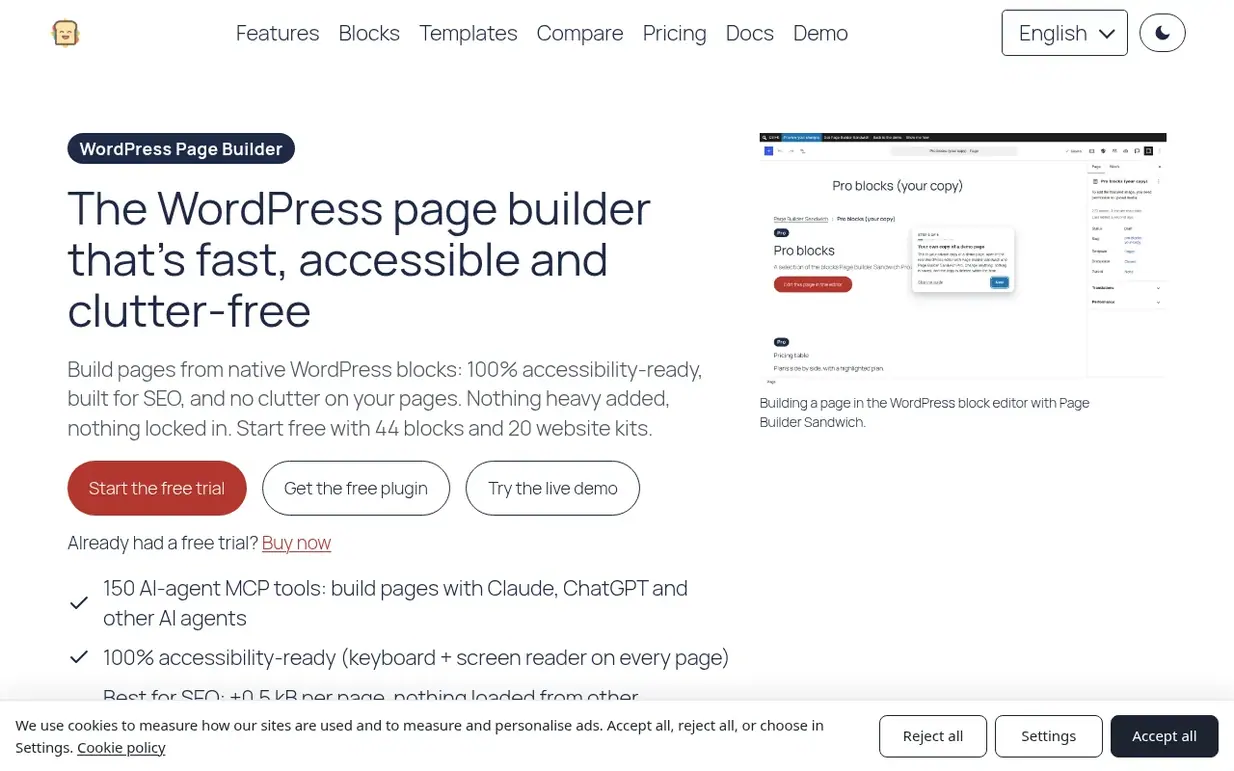
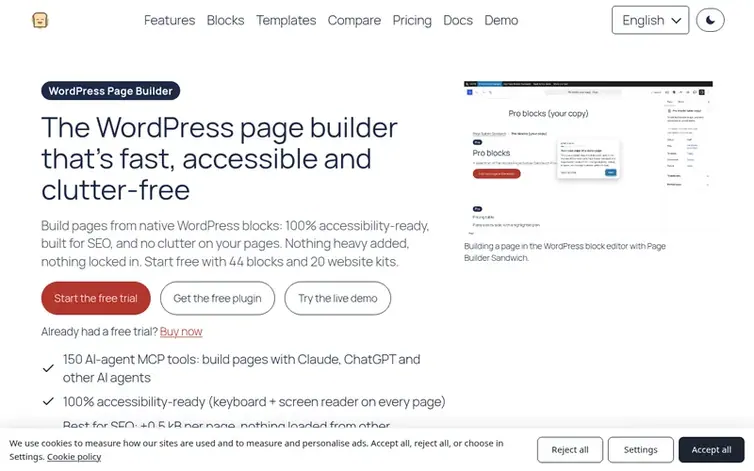
The comparison as Page Builder Sandwich wrote it.
Where Elementor swaps out the WordPress editor for a canvas of its own with drag-and-drop, Page Builder Sandwich works within the native block editor, or in its own full-screen editor, and stores standard blocks. The result is lighter pages that remain readable even if the plugin is removed.
- Page Builder Sandwich's strengths
- Because every page is stored as standard WordPress blocks, no content gets trapped inside a single builder.
- In a measurement on one identical test page, it contributed +0.5 kB and zero external requests, whereas the free Elementor plugin contributed +156.4 kB plus 3 requests to servers belonging to other companies.
- An accessibility checker comes included in the free plugin.
- The Pro version turns Elementor pages into blocks, leaving the original page untouched.
- Elementor's strengths
- Elementor offers a live visual drag-and-drop canvas, one that many WordPress users already know well.
- Its free plugin is large and packed with widgets covering headings, images, buttons and galleries.
- Shared ground
- Each is a visual page builder for WordPress, offering a free plugin alongside paid plans.
- Each one lets AI tools do work on a WordPress site.
- Differences
- Elementor works outside the block editor, while Page Builder Sandwich works within it.
- Page Builder Sandwich only loads styles for the blocks used on a given page, and serves them from your own site.
- Its MCP server hands AI agents like Claude 150 tools, restricted by your WordPress permissions.