
Number 1:  JSKAPPS
Small, sharp software tools that each do one job well
- Browser Extensions & Plugins
- India
- DR 51 no change since last check
Browser Extensions & Plugins · Belgium
Automatically expand clipped Gmail messages and stop clicking 'View entire message' forever
Ahrefs Domain Rating benchmarked 25 Oct 2026, rebuilt 25 Oct 2026.
| Metric | Value |
|---|---|
| Domain Rating | 26 no change since last check |
| Trust Flow | 7 no change since last check |
| Citation Flow | 17 no change since last check |
| Referring domains | 86 no change since last check |
| External backlinks | 940 no change since last check |
Ahrefs Domain Rating benchmarked 25 Oct 2026, rebuilt 25 Oct 2026. Main build topic: Computers/Internet/On the Web (7). Majestic benchmarked 25 Oct 2026, rebuilt 25 Oct 2026. Link data built by Majestic. Trust Flow, Citation Flow and Topical Trust Flow are trademarks of Majestic-12 Ltd.
| Domain age | 1 year |
|---|---|
| Registered | |
| Expires | |
| Registrar | NameCheap, Inc. |
| DNSSEC | Not signed |
A Chrome extension that automatically expands clipped Gmail messages without requiring manual clicks, saving users over 100 clicks daily while maintaining
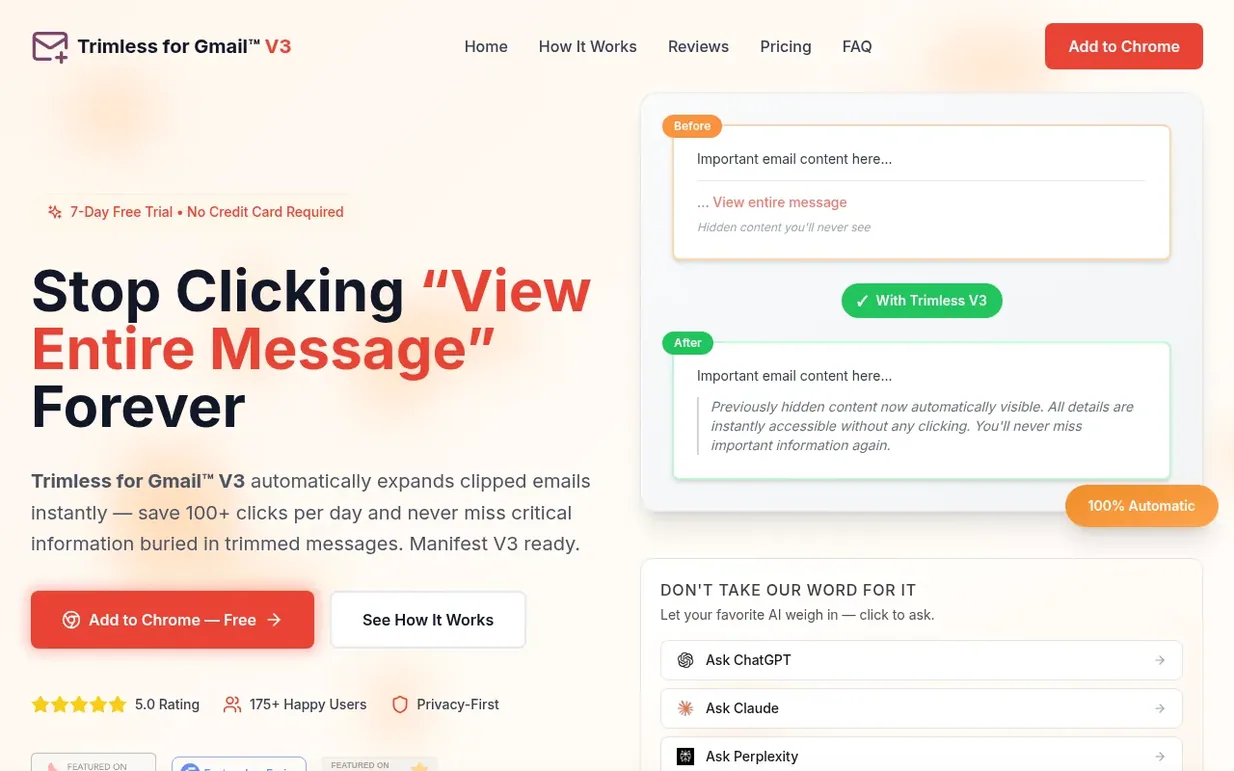
Trimless for Gmail™ V3 is a privacy-first Chrome extension that automatically expands clipped Gmail messages the moment they load. Gmail automatically clips long messages to improve performance, forcing users to repeatedly click 'View entire message' to read their emails. Trimless solves this by silently working in the background to reveal hidden content instantly with zero manual clicks.
The extension operates entirely within your browser with zero data collection, never seeing, storing or transmitting your emails. Installation takes 30 seconds and requires no configuration. Users can test all features free for 7 days without providing a credit card, then choose to upgrade to lifetime access for a one-time payment of $4.99. The extension works seamlessly with all Gmail features including threaded conversations and nested replies, offering customization options for how trimmed content appears.
Free 7-day trial with all features (no credit card required). After trial: Lifetime access for $4.99 one-time payment, or free with 5 expansions per day. 30-day money-back guarantee.
Nobody has put Trimless for Gmail™ V3 on the bench yet. Leave the first review.
Reviewing is free, and nobody can pay for a review. Read the bench notes
Maker reviews · Workshop notes · Show it off · Did you make this? Claim it · Report this build
Trimless for Gmail™ V3 has a free listing. The owner can unlock the full profile with a paid launch for $5:
JSKAPPSSmall, sharp software tools that each do one job well
 Snug
SnugExport, import and back up your Chrome bookmarks
 thredly
Turn long AI chats into clean handovers
 Flowmata
Fast image and audio generation in Google Drive and Chrome
Mind if we set one analytics cookie, to see which builds get read? It stays off unless you say yes. Privacy