
Number 1:  JSKAPPS
Small, sharp software tools that each do one job well
- Browser Extensions & Plugins
- India
- DR 51 no change since last check
Browser Extensions & Plugins
YouTube captions, on when needed, off when they get in the way.
Ahrefs Domain Rating benchmarked 25 Oct 2026, rebuilt 25 Oct 2026.
| Metric | Value |
|---|---|
| Domain Rating | 21 no change since last check |
| Trust Flow | 15 no change since last check |
| Citation Flow | 24 no change since last check |
| Referring domains | 36 no change since last check |
| External backlinks | 711 no change since last check |
Ahrefs Domain Rating benchmarked 25 Oct 2026, rebuilt 25 Oct 2026. Main build topic: Computers/Internet/On the Web (15). Majestic benchmarked 25 Oct 2026, rebuilt 25 Oct 2026. Link data built by Majestic. Trust Flow, Citation Flow and Topical Trust Flow are trademarks of Majestic-12 Ltd.
Registration details are not available: the .im registry publishes no RDAP record.
A Chrome extension that automatically controls YouTube captions, detects burned-in subtitles locally, and manages duplicate captions according to your
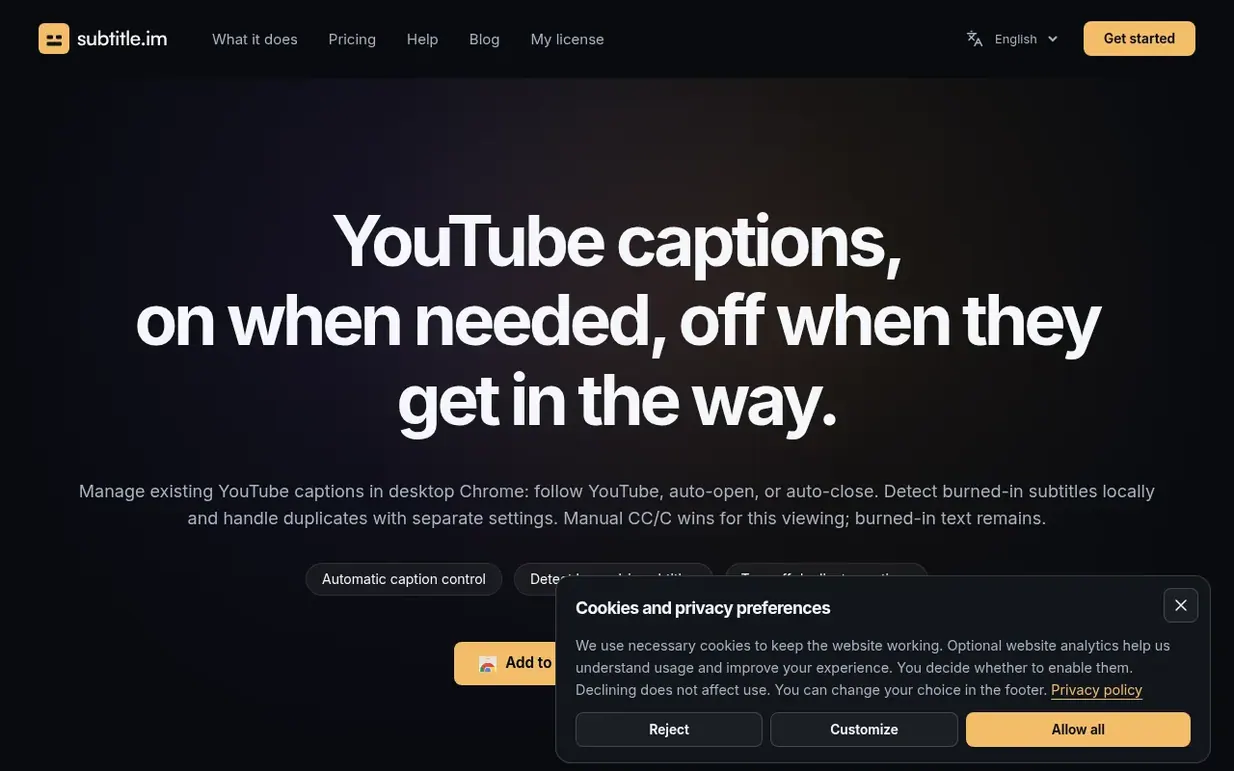
subtitle.im is a Chrome extension for managing YouTube captions. It lets you automatically keep captions on or off across videos, detecting burned-in subtitles locally without uploading video frames. When burned-in subtitles and YouTube captions use different languages, you can choose how to handle them. The extension processes everything in your browser for privacy, offering fine-grained control down to individual videos with channel and video-specific rules in the Pro version.
Pricing model: Freemium
Free: $0, no sign-up needed, 10 successfully handled videos in total with no monthly reset. Pro subscription: $17.99 / year, billed annually. Pro Lifetime: $29.99 / once, pay once for ongoing maintenance and all major and minor updates.
Nobody has put subtitle.im on the bench yet. Leave the first review.
Reviewing is free, and nobody can pay for a review. Read the bench notes
Maker reviews · Workshop notes · Show it off · Did you make this? Claim it · Report this build
subtitle.im has a free listing. The owner can unlock the full profile with a paid launch for $5:
JSKAPPSSmall, sharp software tools that each do one job well
 Kaption AI
WhatsApp voice messages to text with AI
 Glooin
Fast, simple Chrome extension for screen recording and screenshots
 AutoKeyWorder
AI reads your images and fills in titles, keywords, and categories across creator platforms
Mind if we set one analytics cookie, to see which builds get read? It stays off unless you say yes. Privacy