Number 1:  Kivel
Command line interface for running utilities, creating webhooks, uploading and downloading files, and calling API endpoints
- Developer Tools
- Verified
- DR 0 no change since last check
Developer Tools
Command-line interface for the Spyglass API
Ahrefs Domain Rating benchmarked 19 Nov 2026, rebuilt 19 Nov 2026.
Official CLI that runs every Spyglass API endpoint as a command, available as a native binary for macOS, Linux, and Windows.
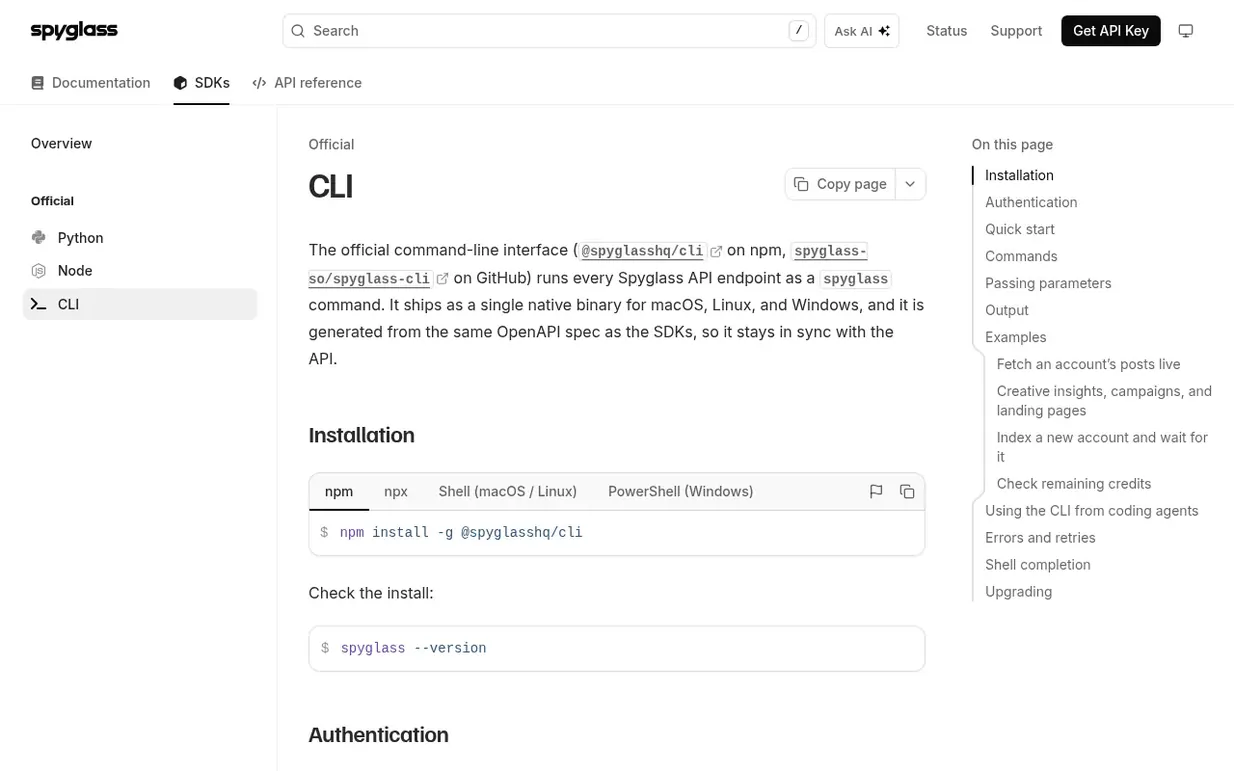
Spyglass CLI is the official command-line interface for the Spyglass API. It runs every API endpoint as a spyglass command and ships as a native binary for macOS, Linux, and Windows. The CLI is generated from the same OpenAPI spec as the SDKs, ensuring it stays synchronized with the API.
The CLI supports authentication via API keys, can be used in terminal, scripts, CI pipelines, and with coding agents. It outputs results as JSON when piped, and as tables in terminals. Output formats include JSON, table, YAML, CSV, JSONL, raw, and HTTP.
Following Spyglass CLI means an email when they reach a milestone, post an update or launch a new product.
| Metric | Value |
|---|---|
| Domain Rating | 4 no change since last check |
| Trust Flow | 0 no change since last check |
| Citation Flow | 0 no change since last check |
| Referring domains | 0 no change since last check |
| External backlinks | 0 no change since last check |
Ahrefs Domain Rating benchmarked 19 Nov 2026, rebuilt 19 Nov 2026. Majestic benchmarked 19 Nov 2026, rebuilt 19 Nov 2026. Link data built by Majestic. Trust Flow, Citation Flow and Topical Trust Flow are trademarks of Majestic-12 Ltd.
| Domain age | 6 months |
|---|---|
| Registered | |
| Expires | |
| Registrar | NameCheap |
| DNSSEC | Not signed |
Since Spyglass CLI launched on Maker Launches on 19 November 2026, these are the figures we have tracked.
Day 0 since launch. Next receipt: day 30, 19 Dec 2026. We show what changed, not what caused it: many things affect these numbers. Nothing here is estimated.
Plan your launch with our free playbook, from preparing your listing to choosing more launch directories.
Nobody has put Spyglass CLI on the bench yet. Leave the first review.
Reviewing is free, and nobody can pay for a review. Read the bench notes
Maker reviews · Workshop notes · Show it off · Did you make this? Claim it · Report this build
Spyglass CLI has a free listing. The owner can unlock the full profile with a paid launch for $5:
KivelCommand line interface for running utilities, creating webhooks, uploading and downloading files, and calling API endpoints
 CodeFlowOS
Convert trading strategies between Pine Script, MQL5, and cTrader
 ComputeSDK
Independent weekly benchmarks for infrastructure providers
 Makers for Stream Deck
Your Stream Deck catalog inside your AI tools