
Number 1:  JSKAPPS
Small, sharp software tools that each do one job well
- Browser Extensions & Plugins
- India
- DR 51 no change since last check
Browser Extensions & Plugins · United States
Excel and PowerPoint shortcuts for Google Sheets, Slides and Docs with an on-screen overlay
Ahrefs Domain Rating benchmarked 25 Oct 2026, rebuilt 25 Oct 2026.
| Metric | Value |
|---|---|
| Domain Rating | 1 no change since last check |
| Trust Flow | 0 no change since last check |
| Citation Flow | 17 no change since last check |
| Referring domains | 7 no change since last check |
| External backlinks | 16 no change since last check |
Ahrefs Domain Rating benchmarked 25 Oct 2026, rebuilt 25 Oct 2026. Majestic benchmarked 25 Oct 2026, rebuilt 25 Oct 2026. Link data built by Majestic. Trust Flow, Citation Flow and Topical Trust Flow are trademarks of Majestic-12 Ltd.
| Domain age | 4 years |
|---|---|
| Registered | |
| Expires | |
| Registrar | Squarespace Domains II LLC |
| DNSSEC | Signed |
Chrome extension that brings Excel Alt key sequences to Google Sheets with an on-screen Key Tips overlay, plus 530 total shortcuts across Sheets, Slides and
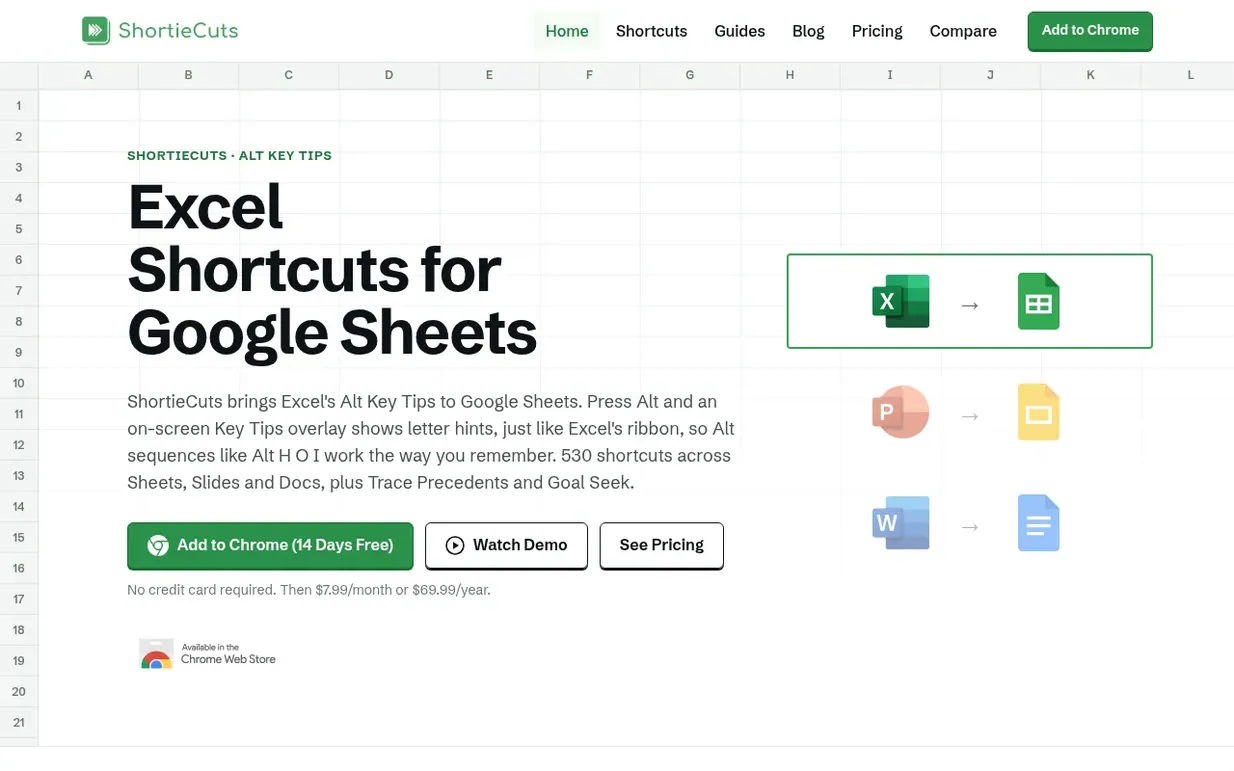
ShortieCuts is a Chrome extension that brings Excel, PowerPoint and Word shortcuts to Google Sheets, Slides and Docs. Press Alt in Google Sheets and an on-screen Key Tips overlay appears showing letter hints, allowing you to type the same Alt key sequences you use in Excel—for example Alt H O I to autofit a column width. The extension includes 233 Excel Alt key shortcuts for Google Sheets, 148 PowerPoint shortcuts for Google Slides, and 149 Word shortcuts for Google Docs.
Beyond shortcuts, ShortieCuts adds missing Excel tools to Google Sheets: Trace Precedents and Trace Dependents to navigate formula dependencies, Goal Seek to find optimal values, and Auto-Color to format cells by type. It also supports custom key sequences and chart format presets.
The extension runs entirely in your browser and does not read or store the content of your spreadsheets, slides or documents. It keeps only your account email for subscription and usage counts of which shortcuts you use.
Free trial for 14 days (all features), then Pro at $7.99/month or $69.99/year. Teams get volume discounts: from $5.66 per user per month (paid annually, 29% off for 5 users) to $4.96 per user per month (paid annually, 38% off for 30+ users).
Nobody has put ShortieCuts on the bench yet. Leave the first review.
Reviewing is free, and nobody can pay for a review. Read the bench notes
Maker reviews · Workshop notes · Show it off · Did you make this? Claim it · Report this build
ShortieCuts has a free listing. The owner can unlock the full profile with a paid launch for $5:
JSKAPPSSmall, sharp software tools that each do one job well
 Kaption AI
WhatsApp voice messages to text with AI
 Glooin
Fast, simple Chrome extension for screen recording and screenshots
 AutoKeyWorder
AI reads your images and fills in titles, keywords, and categories across creator platforms
Mind if we set one analytics cookie, to see which builds get read? It stays off unless you say yes. Privacy