
Number 1:  FilesSnap
Free font generator with 120+ fancy, cursive, bold and aesthetic text styles to copy and paste
- Text & data tools
- India
- DR 0 no change since last check
Text & data tools
Compare two Excel files in your browser by matching rows with a key column, with nothing uploaded to servers
A free web tool that compares two Excel or CSV files by matching rows with a key column, showing what was added, removed and changed, while keeping files
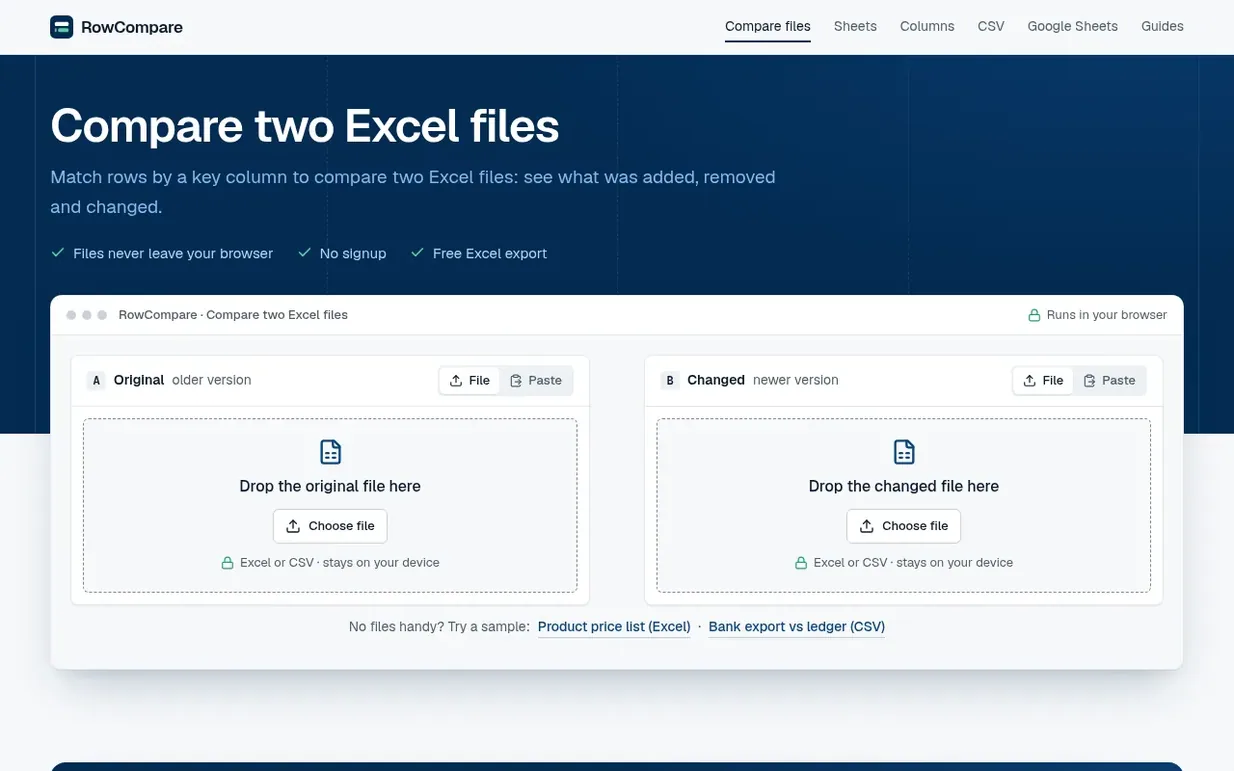
RowCompare is a free web application that compares two Excel or CSV files directly in your browser. You select a key column to match rows between files, and RowCompare identifies added, removed and changed rows, highlighting differences in values. Files are processed entirely on your device with nothing sent to servers, making it safe for sensitive data like customer lists, payroll and bank statements.
The tool works across any modern browser on Mac, Windows, Linux and Chromebooks. It handles number and date formatting differences, supports tolerance settings for rounding variations, and can ignore leading zeros in key columns. Results are exportable as Excel or CSV reports with changes highlighted and old values preserved.
RowCompare is building reconciliation features for bookkeepers and finance teams, allowing saved matching rules and monthly re-runs for jobs like reconciling bank exports against ledgers. The basic comparison tool is free with no row limits beyond what your computer's memory allows.
Pricing model: Free
Following RowCompare means an email when they reach a milestone, post an update or launch a new product.
Still on the bench: rowcompare.app has no Ahrefs Domain Rating or Majestic link data until the first check is done.
Plan your launch with our free playbook, from preparing your listing to choosing more launch directories.
Nobody has put RowCompare on the bench yet. Leave the first review.
Reviewing is free, and nobody can pay for a review. Read the bench notes
Maker reviews · Workshop notes · Show it off · Did you make this? Claim it · Report this build
RowCompare has a free listing. The owner can unlock the full profile with a paid launch for $5:
FilesSnapFree font generator with 120+ fancy, cursive, bold and aesthetic text styles to copy and paste
 Invisible Texts
Copy and paste invisible Unicode characters for blank names, messages, and text effects
 CaseKit
Free online text case converter
 The Font Generator
Copy and paste fancy text in 30+ Unicode styles with nothing to install