
Number 1:  Bank Statement Converter
Convert PDF bank statements to Excel or CSV in minutes
- PDF tools
- DR 0 no change since last check
PDF tools · India
Convert bank statement PDFs to clean Excel and CSV files
Ahrefs Domain Rating benchmarked 10 Nov 2026, rebuilt 10 Nov 2026.
PDFtoRow converts bank and credit card statement PDFs into clean Excel and CSV files that preserve the statement's original columns with amounts as real
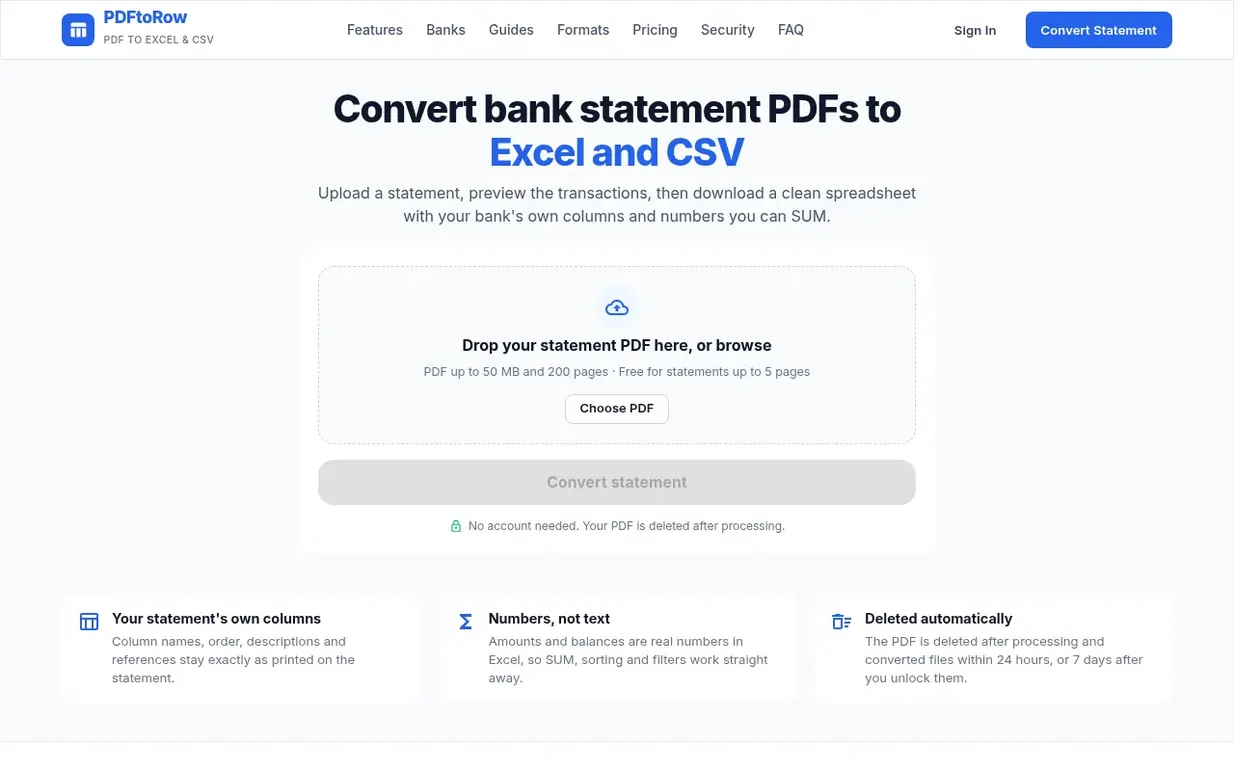
PDFtoRow turns bank and credit card statement PDFs into clean Excel and CSV files. Upload a statement, preview the transactions in a free preview of the first 10 rows, then download a spreadsheet with your bank's own columns and amounts as real numbers you can sum, sort and filter. Statements up to 5 pages are free once per email every 24 hours; longer statements are a one-time payment based on page count.
The converted file preserves the statement's exact column names, order and rows. Multi-line descriptions are joined into single cells, page headers and footers are removed, and dates become real Excel dates. The service supports digital PDF bank and credit card statements up to 200 pages and 50 MB, as well as scanned PDFs through OCR. Password-protected PDFs are supported with encrypted password handling.
Files are deleted automatically: uploaded PDFs are deleted after processing, and converted files are deleted within 24 hours if not unlocked or 7 days after unlocking. Statements are never used to train AI models. No account is required.
Pricing model: Freemium
Free for statements 1-5 pages (once per email every 24 hours); Small Statement (6-20 pages): $5.99; Medium Statement (21-50 pages): $9.99; Large Statement (51-100 pages): $14.99; Large Statement (up to 200 pages): $24.99. Free download already used today: $2.99 to download immediately.
Following PDFtoRow means an email when they reach a milestone, post an update or launch a new product.
| Metric | Value |
|---|---|
| Domain Rating | 0 no change since last check |
| Trust Flow | 0 no change since last check |
| Citation Flow | 22 no change since last check |
| Referring domains | 4 no change since last check |
| External backlinks | 209 no change since last check |
Ahrefs Domain Rating benchmarked 10 Nov 2026, rebuilt 10 Nov 2026. Majestic benchmarked 10 Nov 2026, rebuilt 10 Nov 2026. Link data built by Majestic. Trust Flow, Citation Flow and Topical Trust Flow are trademarks of Majestic-12 Ltd.
| Domain age | 28 days |
|---|---|
| Registered | |
| Expires | |
| Registrar | BigRock Solutions Ltd |
| DNSSEC | Not signed |
Plan your launch with our free playbook, from preparing your listing to choosing more launch directories.
Nobody has put PDFtoRow on the bench yet. Leave the first review.
Reviewing is free, and nobody can pay for a review. Read the bench notes
Maker reviews · Workshop notes · Show it off · Did you make this? Claim it · Report this build
PDFtoRow has a free listing. The owner can unlock the full profile with a paid launch for $5:
Bank Statement ConverterConvert PDF bank statements to Excel or CSV in minutes
 PDF Smart Kit
Browser-based PDF tools that process files locally without uploading or requiring an account
 AttestedPhoto
Add your signature, date and Self Attested text to a passport photo, then export at exact size and file size
 editpdf.tools™
Free PDF and image tools that run in your browser