
Number 1:  fabPlane
Design PCBs with an agent that works in KiCad
- AI DevOps
- DR 10 no change since last check
AI DevOps · United States
Optimize AI Agents for Quality, Latency & Cost
Ahrefs Domain Rating benchmarked 25 Oct 2026, rebuilt 25 Oct 2026.
| Metric | Value |
|---|---|
| Domain Rating | 7 no change since last check |
| Trust Flow | 9 no change since last check |
| Citation Flow | 29 no change since last check |
| Referring domains | 47 no change since last check |
| External backlinks | 208 no change since last check |
Ahrefs Domain Rating benchmarked 25 Oct 2026, rebuilt 25 Oct 2026. Main build topic: Business/Marketing and Advertising (8). Majestic benchmarked 25 Oct 2026, rebuilt 25 Oct 2026. Link data built by Majestic. Trust Flow, Citation Flow and Topical Trust Flow are trademarks of Majestic-12 Ltd.
| Domain age | 5 months |
|---|---|
| Registered | |
| Expires | |
| Registrar | NameCheap, Inc. |
| DNSSEC | Not signed |
Papaya analyzes AI agent traces and code to improve quality, cut latency, and reduce cost by identifying recurring problems across production runs and
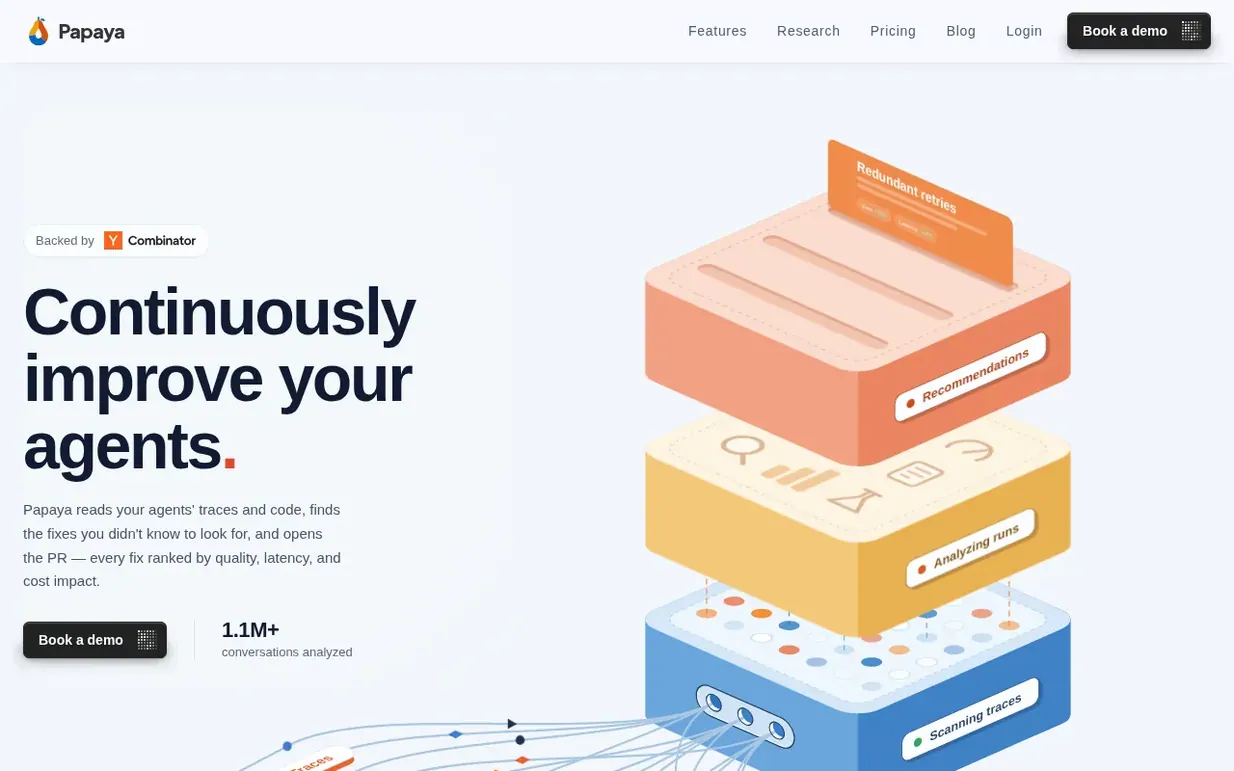
Papaya reads your agents' traces and code to find fixes you didn't know to look for, ranked by quality, latency, and cost impact. It automatically detects issues, groups traces into business use cases, and delivers recommendations as Slack alerts or pull requests.
Papaya runs 200+ analyses across prompts, context, memory, retrieval, tool calls, sub-agents, prompt caching, and model choice. It connects recurring behavior across thousands of runs to the code that causes it, showing which fixes matter most. The platform learns from your production data continuously and compounds improvements over time.
Integration takes minutes using the Papaya SDK (supporting OpenAI, Anthropic, Vercel AI SDK, Bedrock, and Gemini) or by connecting your existing observability tool. You can optionally connect your code repository for more precise fixes.
Pricing model: Freemium
Developer (Free): 1 agent, up to 1,000 traces/month. Business ($500/month): up to 3 agents, 50,000 traces/month. Enterprise (Custom): unlimited agents with PII redaction, SLA guarantees, and dedicated support.
Nobody has put Papaya on the bench yet. Leave the first review.
Reviewing is free, and nobody can pay for a review. Read the bench notes
Maker reviews · Workshop notes · Show it off · Did you make this? Claim it · Report this build
Papaya has a free listing. The owner can unlock the full profile with a paid launch for $5:
fabPlaneDesign PCBs with an agent that works in KiCad
 Kamai
KamaiAI infrastructure for construction that turns blueprint chaos into structured data
Sovereign AI systems for government and defense contractors
 Viaduct
Free C4 modeling tool with an MCP server for software teams to share architecture context with AI development tools
Mind if we set one analytics cookie, to see which builds get read? It stays off unless you say yes. Privacy