
Number 1:  UltraEdit
Professional text and code editor for large files, complex data and sensitive workflows
- Code editors & IDEs
- United States
- DR 75 no change since last check
Code editors & IDEs
Every AI coding agent. One grid.
Ahrefs Domain Rating benchmarked 18 Nov 2026, rebuilt 18 Nov 2026.
A VS Code and Cursor extension that runs multiple AI coding agents side by side in split panes, sends one prompt to many of them, collects Claude Code
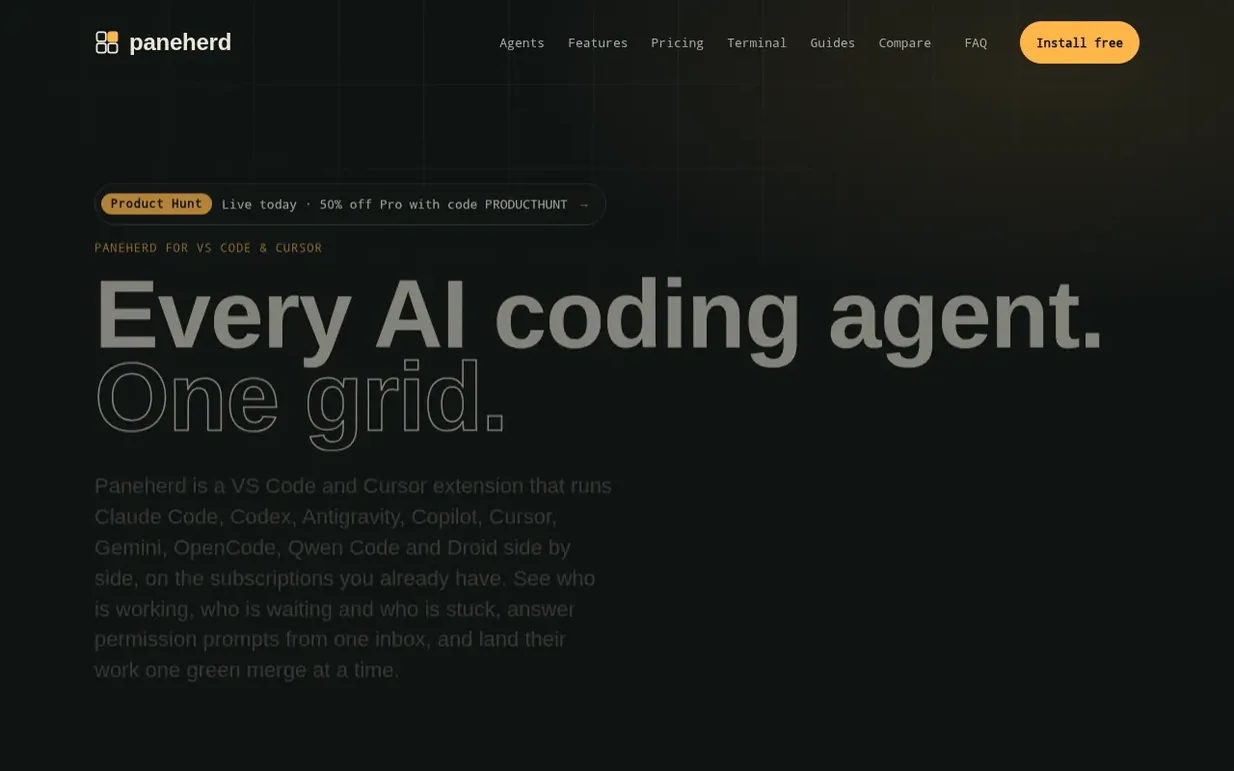
Paneherd is a VS Code and Cursor extension for running multiple AI coding agents side by side in one grid. It supports Claude Code, Codex, GitHub Copilot, Cursor, Gemini, OpenCode, Qwen Code and Factory Droid, allowing developers to send one prompt to many agents at once, see who is working and who is waiting, and answer permission prompts from one centralized inbox.
The extension includes a permission inbox that collects Claude Code prompts from all panes, a conflict guard that stops agents from editing the same file simultaneously, a task queue for managing prompts, and a phone remote for monitoring and controlling agents from anywhere. It survives reloads, tracks usage limits, and includes alarms to catch agents going in circles.
Paneherd runs locally without proxying models or requiring new subscriptions, using the agent CLIs and plans you already have. It is published on the VS Code Marketplace and Open VSX, with a free tier offering unlimited panes and a one-time Pro license for $2.99 that adds advanced features like permission inbox, conflict guard, task queue, and merge queue.
Pricing model: Freemium
Free: unlimited panes with Claude Code, Codex, Antigravity, Copilot, Cursor, Gemini, OpenCode, Qwen Code and Droid support, broadcast to several panes, live status, notifications, session browser, usage limits, and phone remote for status and prompts. Pro: $2.99 one-time payment adds permission inbo
Following Paneherd means an email when they reach a milestone, post an update or launch a new product.
| Metric | Value |
|---|---|
| Domain Rating | 3 no change since last check |
| Trust Flow | 5 no change since last check |
| Citation Flow | 23 no change since last check |
| Referring domains | 9 no change since last check |
| External backlinks | 74 no change since last check |
Ahrefs Domain Rating benchmarked 18 Nov 2026, rebuilt 18 Nov 2026. Main build topic: Computers/Programming/Languages (4). Majestic benchmarked 18 Nov 2026, rebuilt 18 Nov 2026. Link data built by Majestic. Trust Flow, Citation Flow and Topical Trust Flow are trademarks of Majestic-12 Ltd.
| Domain age | 1 month |
|---|---|
| Registered | |
| Expires | |
| Registrar | HOSTINGER operations, UAB |
| DNSSEC | Not signed |
Plan your launch with our free playbook, from preparing your listing to choosing more launch directories.
Nobody has put Paneherd on the bench yet. Leave the first review.
Reviewing is free, and nobody can pay for a review. Read the bench notes
Maker reviews · Workshop notes · Show it off · Did you make this? Claim it · Report this build
Paneherd has a free listing. The owner can unlock the full profile with a paid launch for $5:
UltraEditProfessional text and code editor for large files, complex data and sensitive workflows
 Linelark
Native apps for Mac, iPhone and iPad from an independent developer
 ForeverScan QR
Free dynamic QR codes that never expire, editable after printing with scan tracking included
 JOptimize
All-in-one Java productivity platform for performance, security, architecture and code readability