
Number 1:  JSKAPPS
Small, sharp software tools that each do one job well
- Browser Extensions & Plugins
- India
- DR 51 no change since last check
Browser Extensions & Plugins
Capture, edit, and export webpages locally
Ahrefs Domain Rating benchmarked 2 Nov 2026, rebuilt 18 Oct 2026.
A browser extension that captures full webpages, lets you crop and annotate them, then exports as PNG, JPEG, or PDF—all processed locally in your browser.
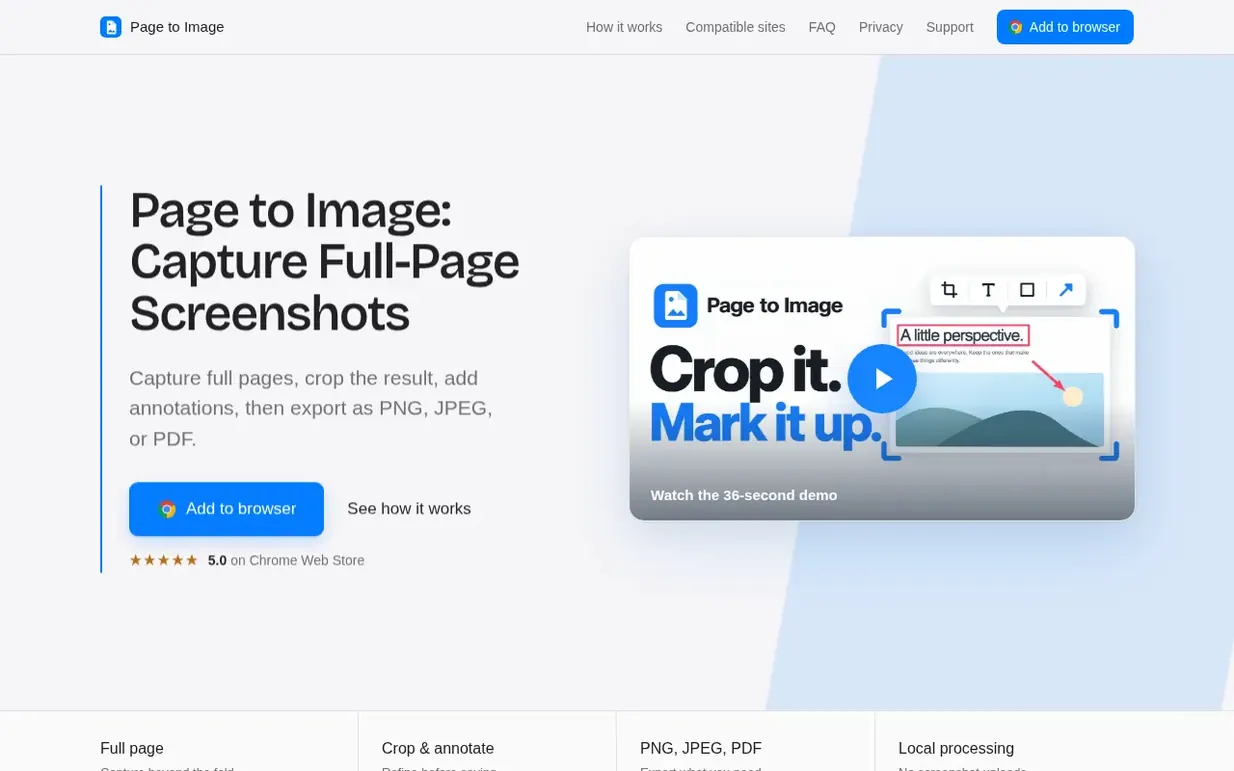
Page to Image is a browser extension that captures complete webpages, including content below the fold, and combines them into a single image. After capturing, you can crop, annotate with text and shapes, blur sensitive details, and export the result as PNG, JPEG, or PDF. All processing happens locally in your browser—page contents and screenshots never leave your device. The extension optionally hides cookie banners, sticky headers, dialogs, and floating buttons to keep captures clean. Paid access provides unlimited captures with full editing capabilities.
Pricing model: Freemium
Free: 9 captures per installation. Annual: €12.99 per year (launch price, normally €14.99). Lifetime: €29.99 one-time (launch price, normally €39.99).
| Metric | Value |
|---|---|
| Domain Rating | 8 +1 (up) since last check |
| Trust Flow | 17 no change since last check |
| Citation Flow | 20 no change since last check |
| Referring domains | 27 no change since last check |
| External backlinks | 66 no change since last check |
Ahrefs Domain Rating benchmarked 2 Nov 2026, rebuilt 18 Oct 2026. Main build topic: Regional/Europe (11). Majestic benchmarked 11 Oct 2026, rebuilt 11 Oct 2026. Link data built by Majestic. Trust Flow, Citation Flow and Topical Trust Flow are trademarks of Majestic-12 Ltd.
| Domain age | 2 months |
|---|---|
| Registered | |
| Expires | |
| Registrar | Spaceship, Inc. |
| DNSSEC | Not signed |
Since Page to Image launched on Maker Launches on 11 October 2026, these are the figures we have tracked.
Day 22 since launch. Next receipt: day 30, 10 Nov 2026. We show what changed, not what caused it: many things affect these numbers. Nothing here is estimated.
Nobody has put Page to Image on the bench yet. Leave the first review.
Reviewing is free, and nobody can pay for a review. Read the bench notes
Maker reviews · Workshop notes · Show it off · Did you make this? Claim it · Report this build
Page to Image has a free listing. The owner can unlock the full profile with a paid launch for $5:
JSKAPPSSmall, sharp software tools that each do one job well
Antidetect browser for managing multiple accounts on a single device without account association or blocking issues
 30 Seconds of Knowledge
Keep your engineering skills sharp with one real code snippet on every new tab
 Waffy
WaffyAI copilot for web automation and page interaction