
Number 1: Immersive Fox
AI platform that turns PDFs and documents into interactive courses with adaptive learning, quizzes, and multilingual support
- AI app builders
- DR 27 no change since last check
AI app builders · Netherlands
AI mobile app builder for native iOS and Android apps
Ahrefs Domain Rating benchmarked 29 Oct 2026, rebuilt 26 Oct 2026.
Modaal is a macOS app that turns your idea into production-ready native Swift and Kotlin apps, with real code you own and control.
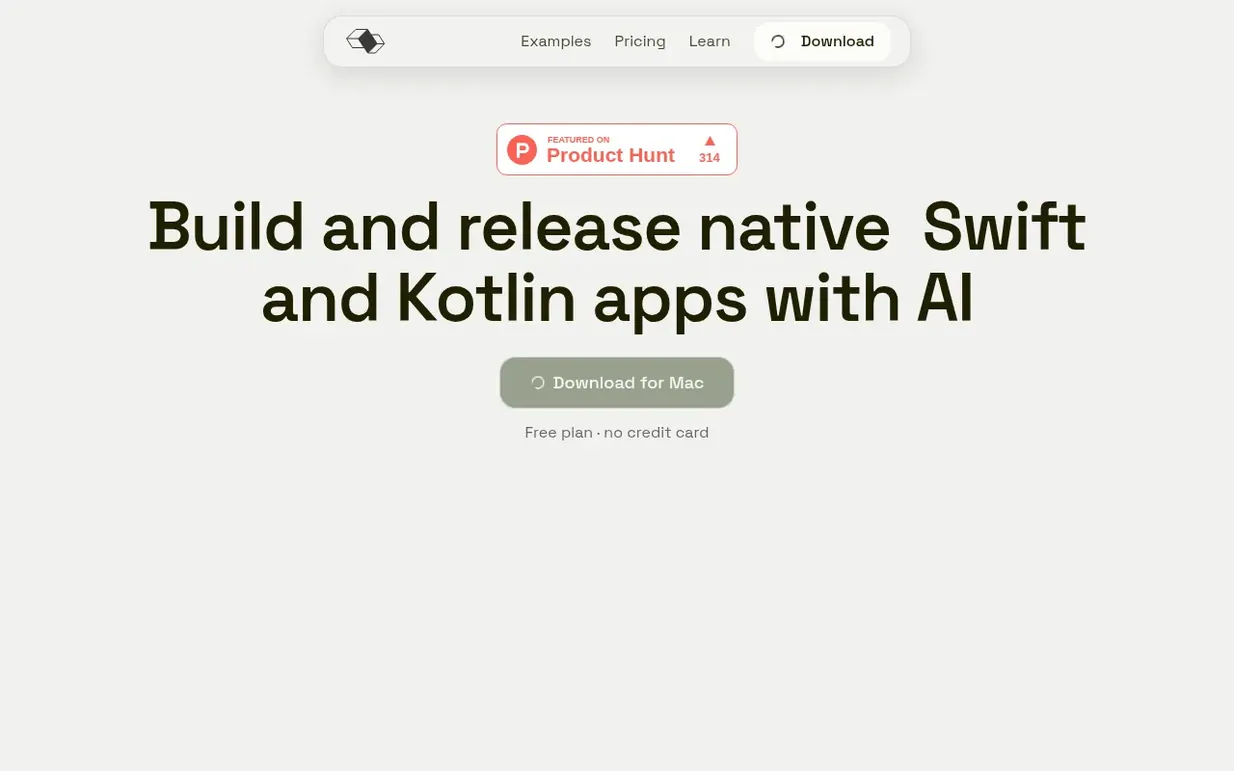
Modaal is a macOS app for building native iOS and Android apps with AI. You describe what you want to build, and your own AI coding agent writes real Swift and SwiftUI for iOS and real Kotlin and Jetpack Compose for Android. The code is yours—on your disk, exportable at any time, and ready to ship to the App Store and Google Play.
Every feature starts with a plan you approve. The agent reads your description or PRD, then writes a spec covering overview, user scenarios, technical approach, implementation steps, files to modify, risks and testing strategy. You review and approve it before code is written.
Modaal uses Duet, an open-source cross-platform framework, to keep iOS and Android in sync. Business logic is written once; each platform renders its own fully native UI—SwiftUI on iPhone and Jetpack Compose on Android. You can start with both platforms or iOS first, adding Android later.
Bring your own AI subscription: Claude, ChatGPT, Gemini, Copilot or any of 13 supported agents. No per-token markups. Real Xcode and Android Studio projects stay on your disk from the first build, ready to export at any time.
Pricing model: Freemium
Free: €0/month with 1 active project, unlimited prompts, one platform. Pro: €9/month billed annually (€108/year) or €15/month billed monthly, with unlimited projects, iOS and Android together, TestFlight and App Store distribution, Git collaboration, and priority support. Human in the Loop: €199/mon
| Metric | Value |
|---|---|
| Domain Rating | 32 −1 (down) since last check |
| Trust Flow | 22 no change since last check |
| Citation Flow | 33 no change since last check |
| Referring domains | 138 no change since last check |
| External backlinks | 2,818 no change since last check |
Ahrefs Domain Rating benchmarked 29 Oct 2026, rebuilt 26 Oct 2026. Main build topic: Arts/Performing Arts (22). Majestic benchmarked 9 Oct 2026, rebuilt 9 Oct 2026. Link data built by Majestic. Trust Flow, Citation Flow and Topical Trust Flow are trademarks of Majestic-12 Ltd.
| Domain age | 1 year |
|---|---|
| Registered | |
| Expires | |
| Registrar | Dynadot LLC. |
| DNSSEC | Not signed |
Since Modaal launched on Maker Launches on 9 October 2026, these are the figures we have tracked.
Day 21 since launch. Next receipt: day 30, 8 Nov 2026. We show what changed, not what caused it: many things affect these numbers. Nothing here is estimated.
Nobody has put Modaal on the bench yet. Leave the first review.
Reviewing is free, and nobody can pay for a review. Read the bench notes
Maker reviews · Workshop notes · Show it off · Did you make this? Claim it · Report this build
Modaal has a free listing. The owner can unlock the full profile with a paid launch for $5:
AI platform that turns PDFs and documents into interactive courses with adaptive learning, quizzes, and multilingual support
AI-powered startup idea generator
 Gooey.AI
Low-code AI orchestration to empower people everywhere
Turn AI into income