
Number 1:  Scanfile
Translate PDF, EPUB, PowerPoint and subtitle files online with automatic format detection
- File converters
- DR 4 no change since last check
File converters
Open Mac drives on Windows without a driver and copy files safely
Ahrefs Domain Rating benchmarked 31 Oct 2026, rebuilt 31 Oct 2026.
A Windows app that reads APFS and Mac OS Extended drives without installing a driver, never writes to them, and verifies every copied file.
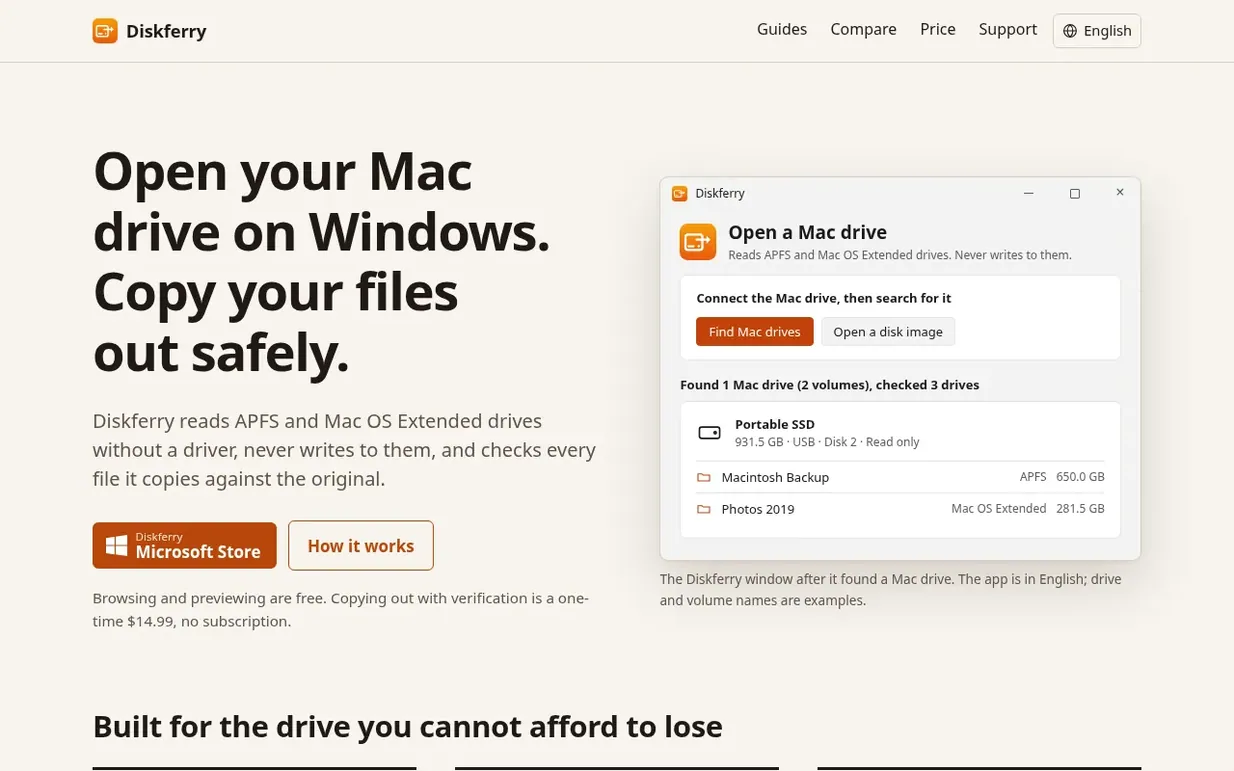
Diskferry is a Windows utility that lets you access Mac drives connected to your PC. It reads both APFS and Mac OS Extended (HFS+) formatted drives without requiring any driver installation or making changes to the drive itself.
The app works by opening drives in read-only mode, so Windows refuses any write operations and the drive cannot be accidentally modified or formatted. Once you locate your Mac drive, you can browse its contents, preview files, and copy whatever you need to your PC.
Every file you copy is automatically verified using SHA-256 checksums and compared against the original on the Mac drive. You receive a report showing which files copied successfully and which, if any, failed to copy. The app leaves no partial or empty files on your PC.
Pricing model: Freemium
Free: browsing and previewing Mac drives. $14.99: one-time unlock for copying files and SHA-256 verification.
| Metric | Value |
|---|---|
| Domain Rating | 0 no change since last check |
| Trust Flow | 0 no change since last check |
| Citation Flow | 0 no change since last check |
| Referring domains | 0 no change since last check |
| External backlinks | 0 no change since last check |
Ahrefs Domain Rating benchmarked 31 Oct 2026, rebuilt 31 Oct 2026. Majestic benchmarked 31 Oct 2026, rebuilt 31 Oct 2026. Link data built by Majestic. Trust Flow, Citation Flow and Topical Trust Flow are trademarks of Majestic-12 Ltd.
| Domain age | 4 days |
|---|---|
| Registered | |
| Expires | |
| Registrar | Spaceship, Inc. |
| DNSSEC | Not signed |
Since Diskferry launched on Maker Launches on 31 October 2026, these are the figures we have tracked.
Day 0 since launch. Next receipt: day 30, 30 Nov 2026. We show what changed, not what caused it: many things affect these numbers. Nothing here is estimated.
Nobody has put Diskferry on the bench yet. Leave the first review.
Reviewing is free, and nobody can pay for a review. Read the bench notes
Maker reviews · Workshop notes · Show it off · Did you make this? Claim it · Report this build
Diskferry has a free listing. The owner can unlock the full profile with a paid launch for $5:
ScanfileTranslate PDF, EPUB, PowerPoint and subtitle files online with automatic format detection
 Avifkit
Secure client-side AVIF converter for privacy and speed
 insta4dl
Free Instagram downloader for saving Reels, videos, photos, stories and highlights in HD without login or watermarks
 SaveXPost
Free Twitter/X video downloader with no login or watermark