
Number 1:  JSKAPPS
Small, sharp software tools that each do one job well
- Browser Extensions & Plugins
- India
- DR 51 no change since last check
Browser Extensions & Plugins
Capture your web app as an interactive, editable demo
Ahrefs Domain Rating benchmarked 24 Oct 2026, rebuilt 18 Oct 2026.
| Metric | Value |
|---|---|
| Domain Rating | 3 −1 (down) since last check |
| Trust Flow | 5 no change since last check |
| Citation Flow | 22 no change since last check |
| Referring domains | 136 no change since last check |
| External backlinks | 231 no change since last check |
Ahrefs Domain Rating benchmarked 24 Oct 2026, rebuilt 18 Oct 2026. Main build topic: Business (2). Majestic benchmarked 4 Oct 2026, rebuilt 4 Oct 2026. Link data built by Majestic. Trust Flow, Citation Flow and Topical Trust Flow are trademarks of Majestic-12 Ltd.
| Domain age | 8 months |
|---|---|
| Registered | |
| Expires | |
| Registrar | Porkbun LLC |
| DNSSEC | Not signed |
A browser extension that captures your web app's UI as you click through it, turning it into an interactive, editable demo with no video required.
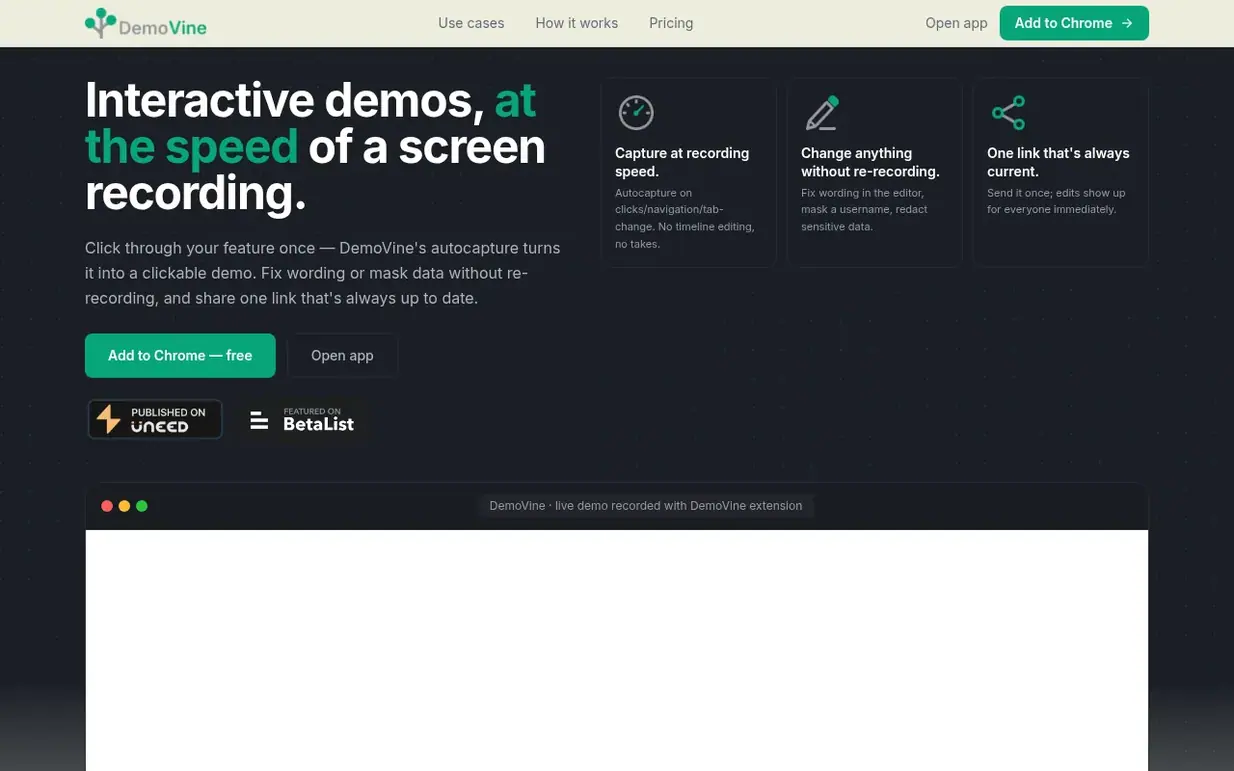
DemoVine is a browser extension that captures a web app's actual UI (DOM snapshots) as users click through it, turning captured screens into interactive demos. The tool allows creators to edit captured screens, mask sensitive data, arrange scenes in a flow graph with clickable hotspots, and share a single live link that updates immediately for all viewers.
Scenes can be created from live UI captures, screenshots, uploaded images, and screen recordings, which can be combined in a single demo. Finished demos can be exported as MP4, WebM, or GIF video with optional AI voiceover. Viewers click through the demo in the browser without installing anything.
Built for solo developers and freelancers, DemoVine is designed to help ship demos quickly without managing video files. It supports use cases including showing new features to clients, answering how-to questions with guided explainers, and embedding clickable demos in documentation.
Pricing model: Freemium
Nobody has put DemoVine on the bench yet. Leave the first review.
Reviewing is free, and nobody can pay for a review. Read the bench notes
Maker reviews · Workshop notes · Show it off · Did you make this? Claim it · Report this build
DemoVine has a free listing. The owner can unlock the full profile with a paid launch for $5:
JSKAPPSSmall, sharp software tools that each do one job well
 Snug
SnugExport, import and back up your Chrome bookmarks
 thredly
Turn long AI chats into clean handovers
 Trimless for Gmail™ V3
Automatically expand clipped Gmail messages and stop clicking 'View entire message' forever
Mind if we set one analytics cookie, to see which builds get read? It stays off unless you say yes. Privacy