
Number 1:  fabPlane
Design PCBs with an agent that works in KiCad
- AI DevOps
- DR 10 no change since last check
AI DevOps · Netherlands
Cloud development environments for AI coding agents
Ahrefs Domain Rating benchmarked 25 Oct 2026, rebuilt 25 Oct 2026.
| Metric | Value |
|---|---|
| Domain Rating | 28 no change since last check |
| Trust Flow | 10 no change since last check |
| Citation Flow | 30 no change since last check |
| Referring domains | 143 no change since last check |
| External backlinks | 1,899 no change since last check |
Ahrefs Domain Rating benchmarked 25 Oct 2026, rebuilt 25 Oct 2026. Main build topic: Science/Technology (9). Majestic benchmarked 25 Oct 2026, rebuilt 25 Oct 2026. Link data built by Majestic. Trust Flow, Citation Flow and Topical Trust Flow are trademarks of Majestic-12 Ltd.
| Domain age | 11 months |
|---|---|
| Registered | |
| Expires | |
| Registrar | Cloudflare, Inc |
| DNSSEC | Not signed |
Run Claude Code, Cursor CLI, Codex and Gemini CLI in persistent cloud environments. Start on your phone, continue in VS Code or SSH.
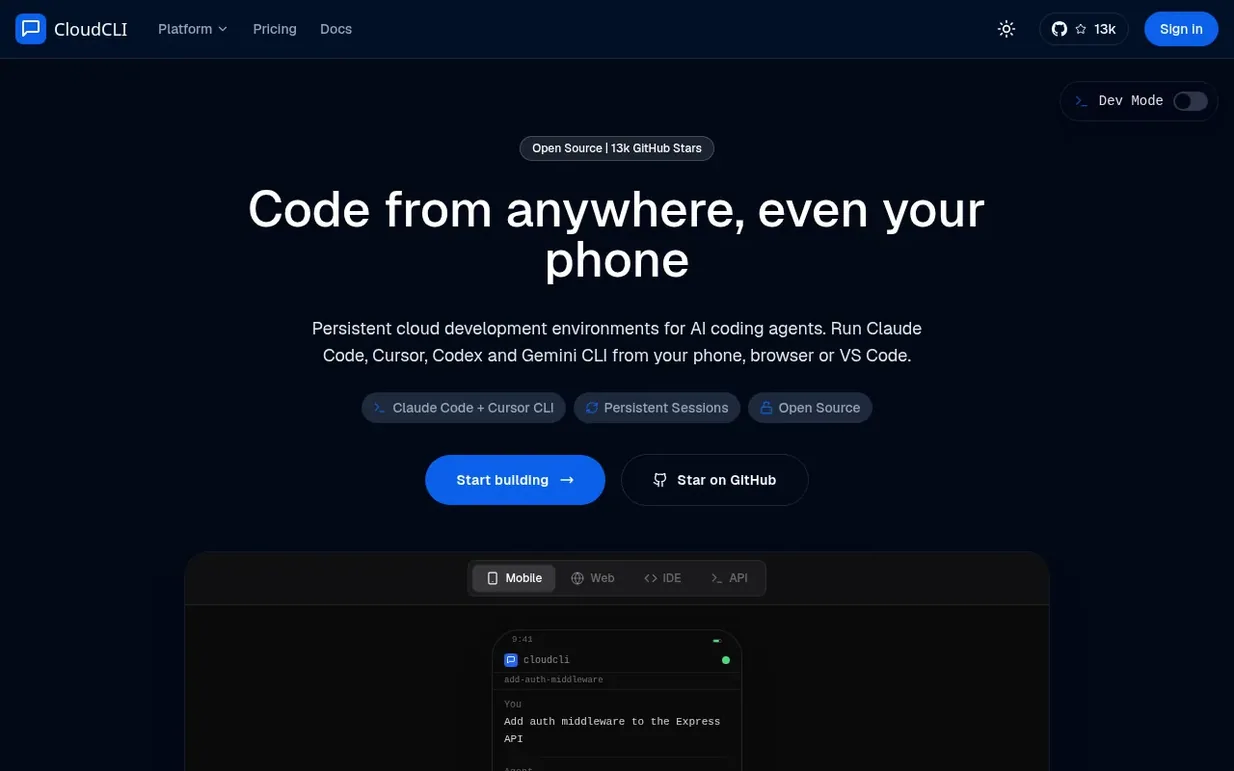
CloudCLI is a cloud development environment for AI coding agents including Claude Code, Cursor CLI, Codex, Gemini CLI, and OpenCode. Sessions persist in isolated containers and keep running even when you close your laptop, allowing you to start work on your phone and continue in VS Code over SSH from any device.
The platform supports cross-device access, team collaboration with shared environments and MCP servers, and integrations with n8n, Linear, and Jira. You can trigger sessions from your phone, browser, API, or automation tools. All your code stays in encrypted environments, with SSH access for connecting desktop IDEs.
CloudCLI is built on open source foundations (AGPL-3 licensed with 13k GitHub stars), so you can self-host on your own infrastructure or use the managed cloud version starting at €7/month.
Pricing model: Freemium
Hobby €7/month: 1 active environment, 2 CPU cores, 4GB RAM. Growth €20/month: 5 active environments, extra at €5/mo each. Team €39/month: 5 included environments, 5 team members. Enterprise: custom pricing. Free 2-day trial with 2 hours runtime included.
Nobody has put CloudCLI on the bench yet. Leave the first review.
Reviewing is free, and nobody can pay for a review. Read the bench notes
Maker reviews · Workshop notes · Show it off · Did you make this? Claim it · Report this build
CloudCLI has a free listing. The owner can unlock the full profile with a paid launch for $5:
fabPlaneDesign PCBs with an agent that works in KiCad
 Kamai
KamaiAI infrastructure for construction that turns blueprint chaos into structured data
Sovereign AI systems for government and defense contractors
 Viaduct
Free C4 modeling tool with an MCP server for software teams to share architecture context with AI development tools
Mind if we set one analytics cookie, to see which builds get read? It stays off unless you say yes. Privacy