
Number 1:  PDF Smart Kit
Browser-based PDF tools that process files locally without uploading or requiring an account
- PDF tools
- United Kingdom
- DR 0 no change since last check
PDF tools
Convert PDF bank statements to Excel or CSV in minutes
Ahrefs Domain Rating benchmarked 9 Nov 2026, rebuilt 9 Nov 2026.
A tool that converts PDF bank statements to Excel or CSV format without requiring sign-up, with preview and manual editing capabilities included.
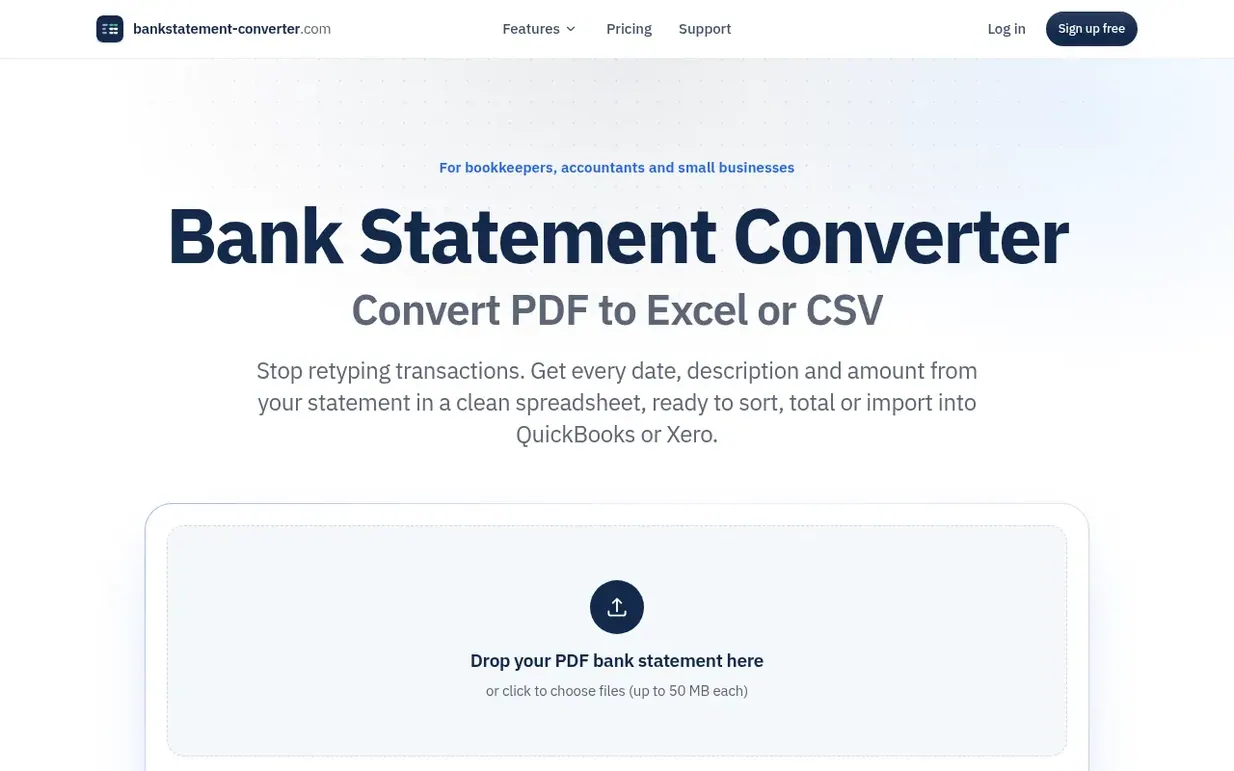
Bank Statement Converter helps bookkeepers, accountants, and small business owners extract transactions from PDF bank statements into usable spreadsheets. Upload a statement, preview the converted data in a table, and download it as Excel or CSV without manual retyping. The tool reads statements by position like an accountant would, keeps dates as dates and amounts as numbers, and checks every row against the running balance printed on the statement. For layouts that don't convert automatically, manual mode lets users mark the table themselves. Pro and Team plans include OCR for scanned statements and batch conversion for multiple files at once.
Pricing model: Freemium
Free: 10 pages per day (with account) or 5 pages per day (without). Basic: $5/month billed yearly ($60/year) or $10/month billed monthly, includes 600 pages per month. Pro: $10/month billed yearly ($120/year) or $20/month billed monthly, includes 1,800 pages per month and OCR for scanned statements.
Following Bank Statement Converter means an email when they reach a milestone, post an update or launch a new product.
| Metric | Value |
|---|---|
| Domain Rating | 0 no change since last check |
| Trust Flow | 0 no change since last check |
| Citation Flow | 0 no change since last check |
| Referring domains | 0 no change since last check |
| External backlinks | 0 no change since last check |
Ahrefs Domain Rating benchmarked 9 Nov 2026, rebuilt 9 Nov 2026. Majestic benchmarked 9 Nov 2026, rebuilt 9 Nov 2026. Link data built by Majestic. Trust Flow, Citation Flow and Topical Trust Flow are trademarks of Majestic-12 Ltd.
| Domain age | 1 year |
|---|---|
| Registered | |
| Expires | |
| Registrar | GoDaddy.com, LLC |
| DNSSEC | Not signed |
Plan your launch with our free playbook, from preparing your listing to choosing more launch directories.
Nobody has put Bank Statement Converter on the bench yet. Leave the first review.
Reviewing is free, and nobody can pay for a review. Read the bench notes
Maker reviews · Workshop notes · Show it off · Did you make this? Claim it · Report this build
Bank Statement Converter has a free listing. The owner can unlock the full profile with a paid launch for $5:
PDF Smart KitBrowser-based PDF tools that process files locally without uploading or requiring an account
 AttestedPhoto
Add your signature, date and Self Attested text to a passport photo, then export at exact size and file size
 editpdf.tools™
Free PDF and image tools that run in your browser
 FixMyScan
Clean, searchable PDFs from scanned books for e-readers